How a Studio Can Save You Time and Money on Photography: The Smart Investment for Business Marketing

In the fast-paced world of business marketing, efficiency and quality are everything. Whether you’re launching a new product, updating corporate headshots, or producing video content for social media or broadcast, time and budget constraints are always top of mind. That’s where choosing a professional studio environment—like what we offer at St Louis Photo Studio—can make a significant impact.

The Time-Saving Benefits of a Professional Photo Studio

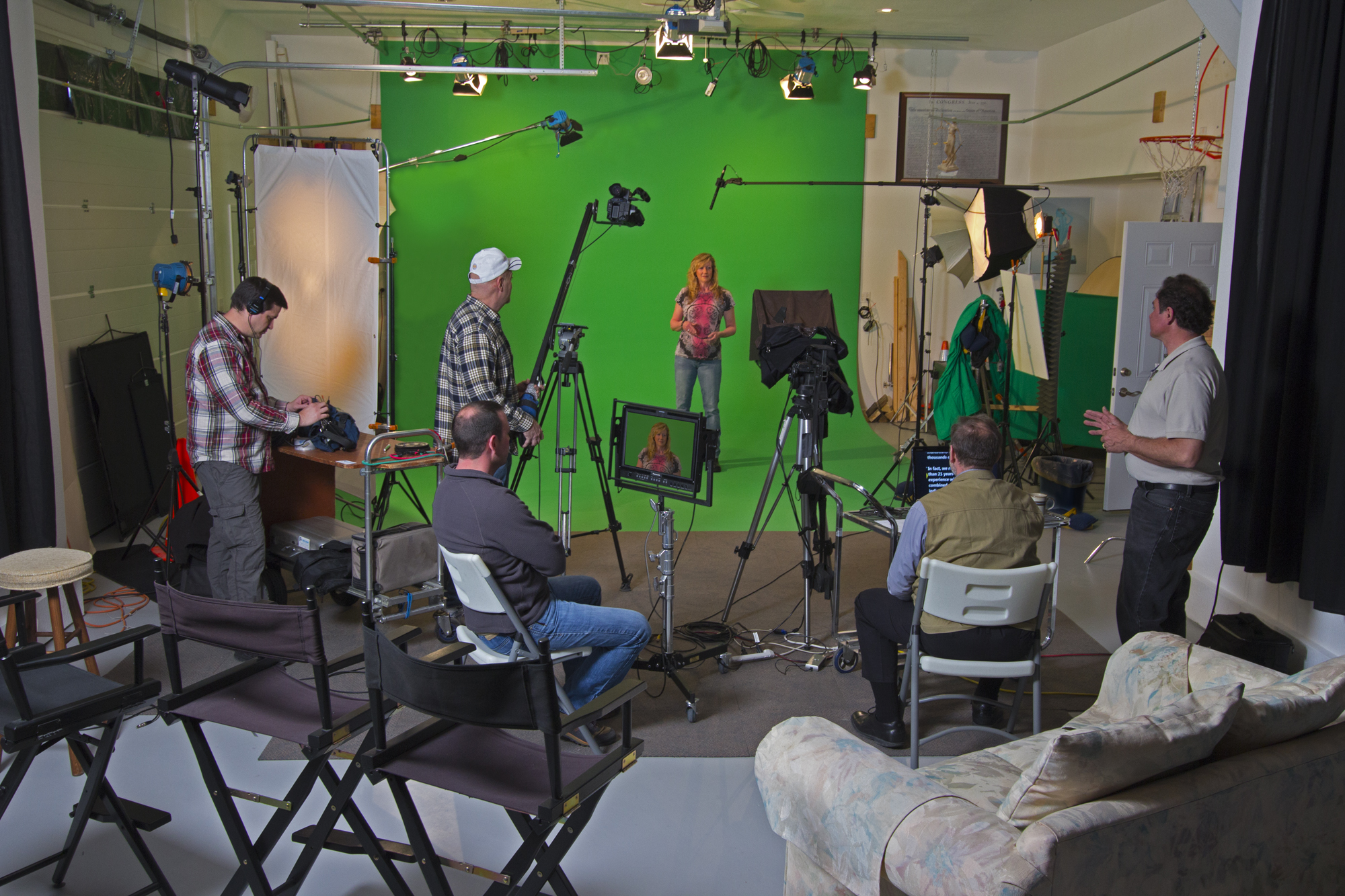
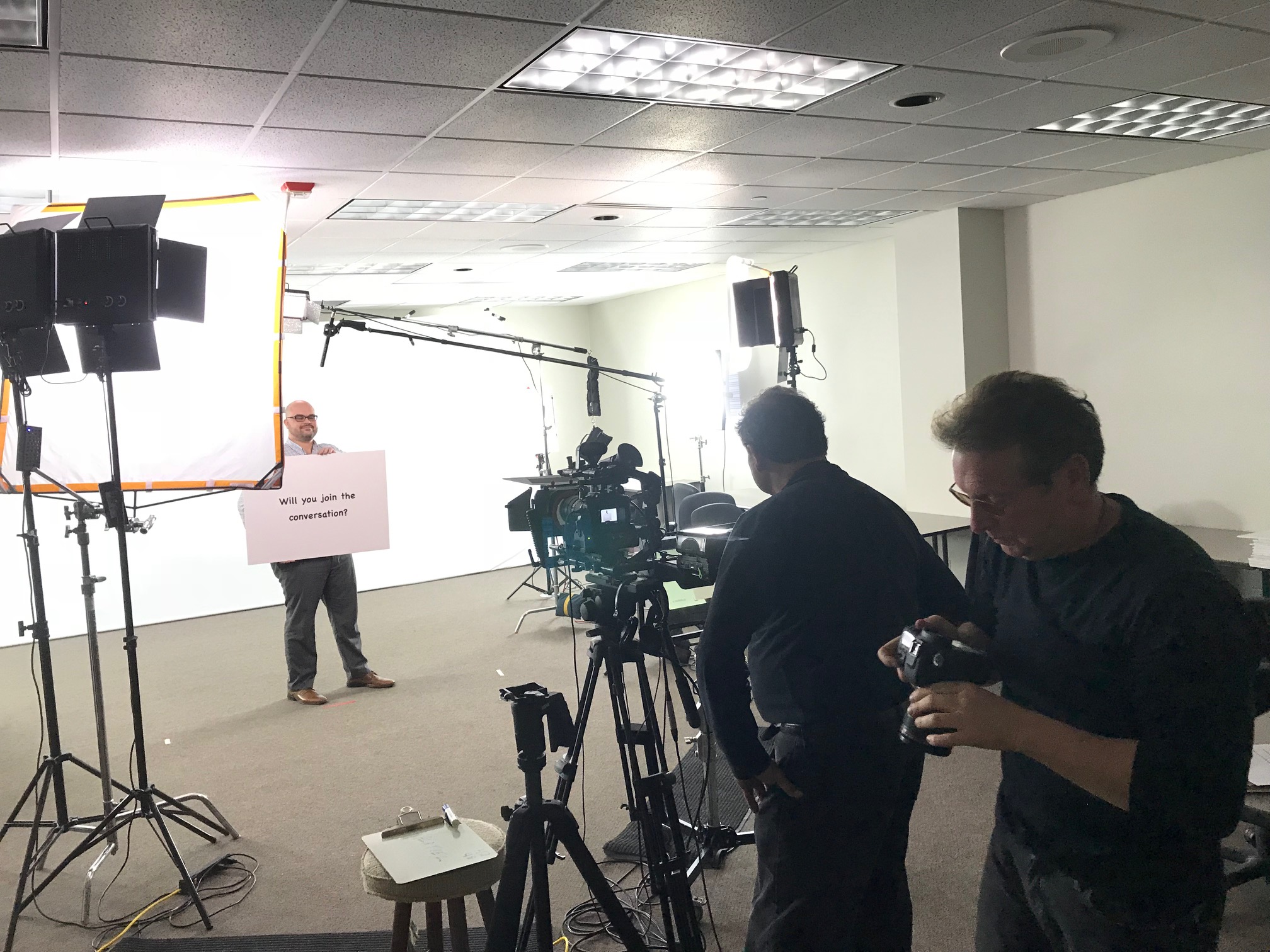
One of the biggest advantages of working with a full-service photo studio is controlled efficiency. In a studio setting, lighting, weather, and sound variables are eliminated, which means you don’t waste valuable time on reshoots due to rain, harsh sunlight, or background noise. Everything is prepped and ready for optimal shooting conditions, regardless of the hour or season.

Studios also enable streamlined production workflows. When you book time with a professional studio team, you gain access to pre-lit sets, background options, props, and camera equipment that are already in place. This eliminates setup time and reduces downtime between shots or scenes, allowing more content to be captured within a shorter window.

Cost Savings That Add Up

While studio photography might seem like a higher upfront cost than DIY or in-house solutions, it actually delivers long-term cost savings in several ways:

  • Minimized Reshoots: Consistent lighting and sound control mean fewer costly retakes.
  • Multi-purpose Content: A well-planned studio session can produce a library of assets that serve multiple campaigns—headshots, product photos, video interviews, social content—all in one shoot.
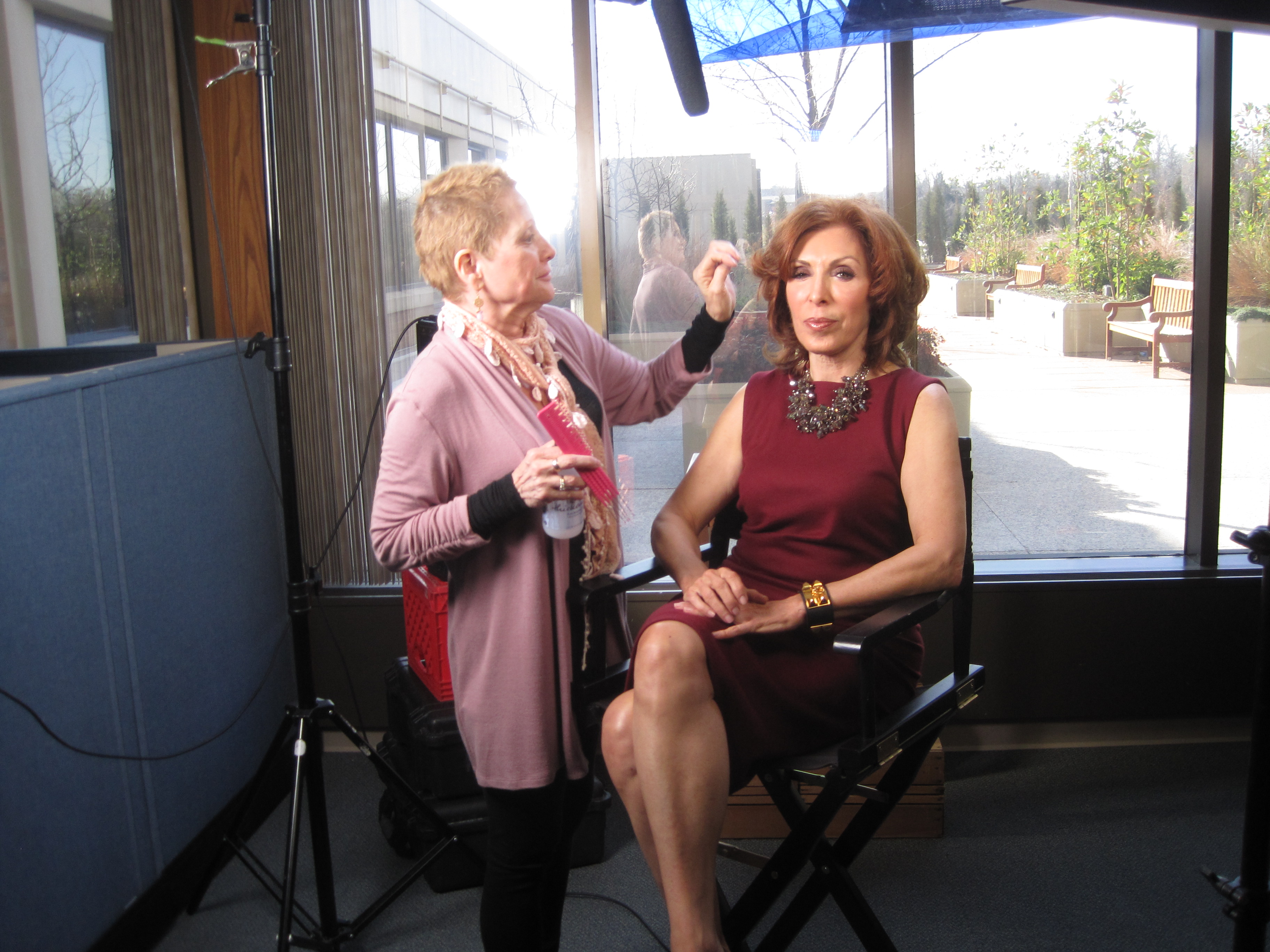
  • Bundled Services: At a professional studio like St Louis Photo Studio, you’re not just renting a space—you’re hiring a team. That includes camera operators, lighting techs, directors, editors, and drone pilots all under one roof. Bundling these services typically costs far less than hiring them piecemeal.

Studio Setups Built for Business Needs

In a commercial studio environment, everything is designed with your brand’s needs in mind. At St Louis Photo Studio, our private production space is flexible enough to handle a wide range of assignments, including:

  • Branded interview scenes with professional backdrops and lighting
  • Product photography with adjustable table-top setups and customizable backgrounds
  • Staff and executive headshots with seamless scheduling and on-the-spot retouching
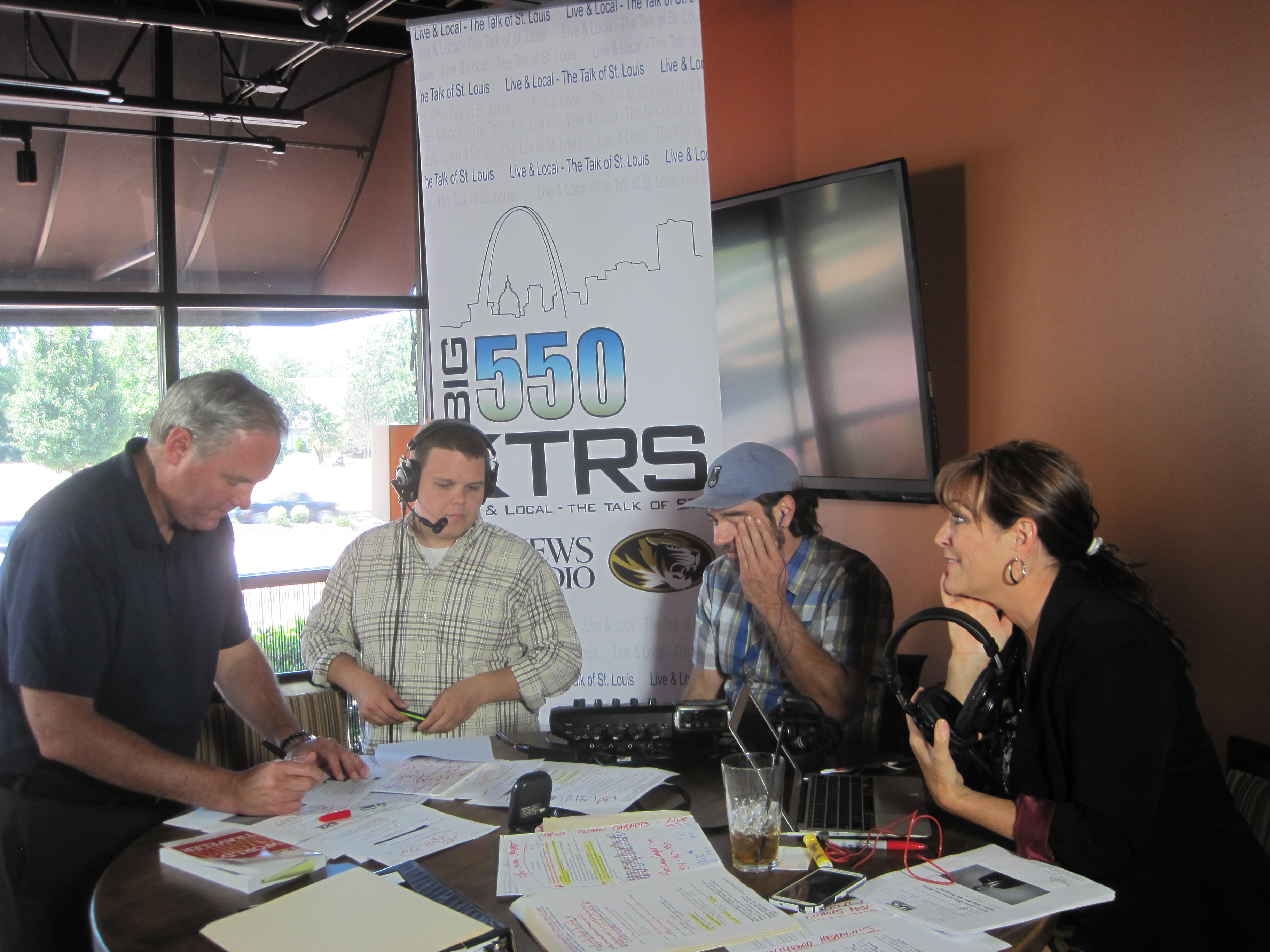
  • Video testimonials and marketing content optimized for repurposing across platforms

Our large, versatile studio space even allows for props, staging, and set design—helping your creative vision come to life without added location fees or logistics.

Maximizing ROI with Repurposable Media

When you shoot in a studio, you also get the benefit of repurposable assets. That means images and footage can be captured with editing and future use in mind. With AI-enhanced post-production, color grading, and noise correction, we ensure your assets are crisp, clean, and ready for web, print, or broadcast—without requiring additional time or expense later on.

Trust a Proven Team

Since 1982, St Louis Photo Studio has delivered consistent, high-quality media for organizations throughout the region. We are a full-service professional commercial photography and video production company equipped with the right tools and the creative expertise to make your next campaign a success. From custom interview setups to drone footage, studio and location shoots, and post-production services, we offer:

  • Full-service studio and on-location photography and videography
  • Professional editing, retouching, and post-production
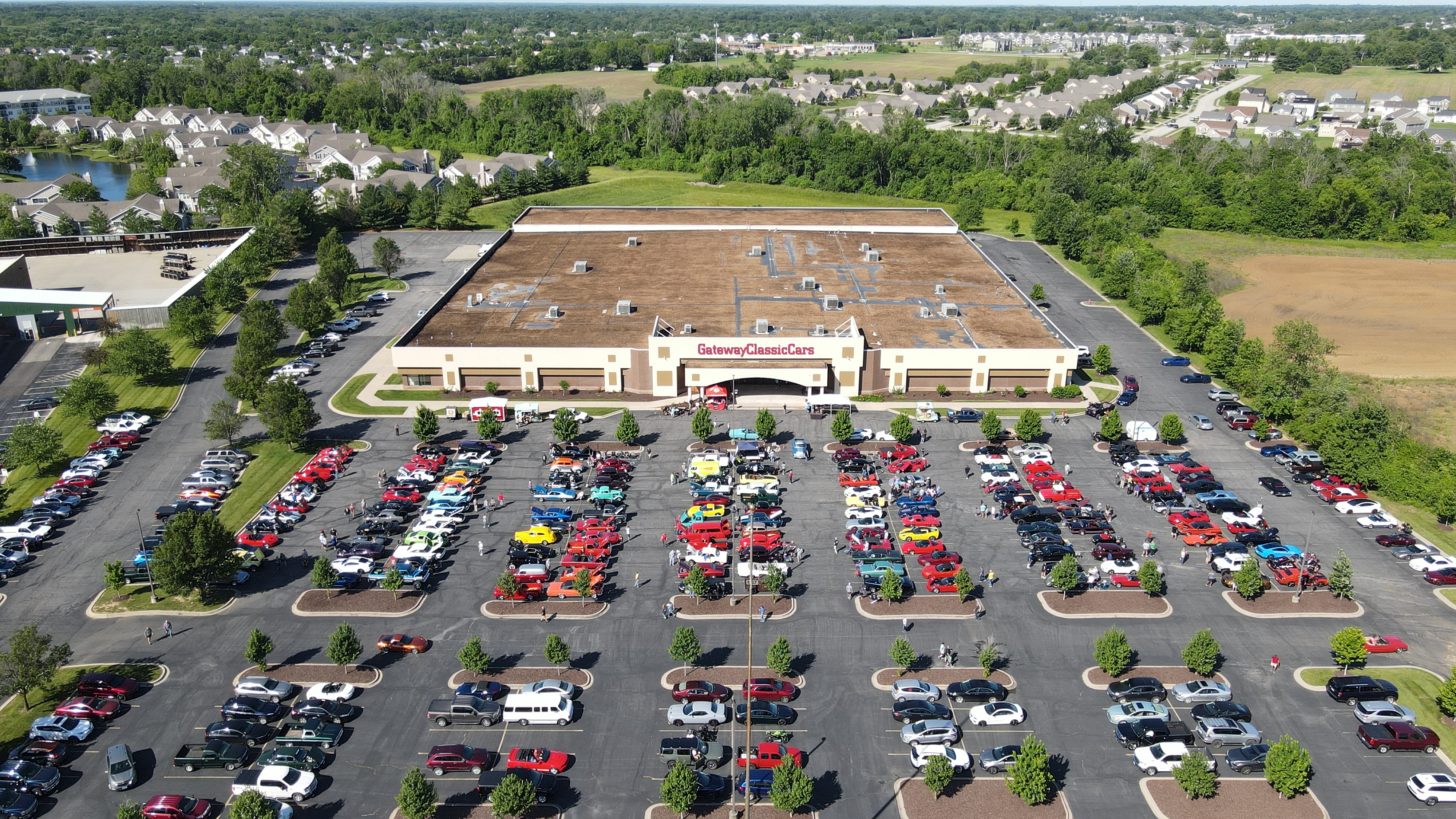
  • Licensed drone pilots (yes, we can even fly indoors)
  • Custom AI-enhanced workflows for image and video processing
  • A private studio space designed for flexibility, lighting control, and creative set design

We specialize in repurposing your media to maximize brand visibility and marketing ROI, and we are fluent in all major file types, styles, and software platforms.

If you’re looking to save time, reduce costs, and elevate the quality of your photography and video assets, working with a professional studio team is not just smart—it’s essential. Let St Louis Photo Studio be your creative partner in visual storytelling.
314-913-5626

stlouisphotostudio@gmail.com

How to Organize Your Photos and Videos After Your Company Event

Capturing the perfect images and videos at your company event is only half of the equation. The true value of these assets comes from how they’re organized, stored, and utilized. Without an effective organization system, even the best shots and videos can get lost in the shuffle, making it harder for your team to leverage them for future marketing, branding, or internal purposes.

In this post, we’ll walk you through the process of organizing your photos and videos after a company event to ensure they’re easily accessible and ready for any marketing or content creation needs. Whether you’re planning to repurpose the footage for social media, internal presentations, or long-term promotional use, proper organization is key to maximizing the potential of your visual assets.

Tags should be added to both images and video files to help with content retrieval.

Step 1: Define Your Categories

Before you start organizing your photos and videos, it’s important to establish categories that will make it easier to locate specific content later. Think about how the content will be used and group your files accordingly. Here are a few common categories you might want to consider:

  • Event Highlights: This category includes the most important moments of the event, such as keynote speakers, award ceremonies, and important milestones.
  • People and Attendees: Group images and videos of attendees, networking sessions, and group photos here. If you have shots of key individuals or notable guests, this category should highlight those as well.
  • Behind-the-Scenes: Candid shots or video clips of behind-the-scenes moments during setup or breaks can be great for future marketing materials or social media posts.
  • Venue and Details: If your event took place in a unique venue or featured significant decor, product displays, or branding, you’ll want to organize these shots separately.
  • Testimonial Videos: If you captured interviews or testimonials from attendees or speakers, these can form a unique category for easy access when creating case studies or promotional content.
  • Promotional Material: For images and videos that are specifically designed for marketing, such as promotional trailers or teaser videos, it’s important to separate these out for easy access during the post-production process.

Step 2: File Naming Conventions

Once you have your categories in mind, it’s time to focus on file naming. This can often be the most tedious part of organizing your visual content, but it is crucial for easy retrieval. Here are some tips to make your file naming system efficient:

  • Consistency Is Key: Stick to a uniform format for naming files. A good structure could include the event name, the date, and a description of the content. For example, “EventName_YYYYMMDD_SpeakerName” for images or “EventName_YYYYMMDD_BehindTheScenes” for video files.
  • Keep It Short and Descriptive: File names should be short but descriptive enough to give an idea of what the content is. Avoid using spaces or special characters, which may cause issues on some systems.
  • Use Folders and Subfolders: Organize your files into folders based on categories and then create subfolders for more specific types of content. This creates a layered approach that’s easy to navigate.

Step 3: Implement a Storage System

With your files named and categorized, the next step is choosing the right storage system. For companies dealing with large volumes of photos and videos, a reliable storage solution is essential. Here are some options:

  • Cloud Storage: Services like Google Drive, Dropbox, or Box allow for secure, remote access to your content, which is perfect for teams that need to share files across locations. The added bonus of cloud storage is that it offers scalability—meaning, as your visual content library grows, you can easily upgrade your storage.
  • External Hard Drives: If you prefer to store your files locally, an external hard drive with ample storage space is a solid option. Make sure to back up your files regularly to avoid data loss.
  • Network-Attached Storage (NAS): For larger organizations or those working with extensive amounts of media, a NAS system can provide centralized, secure storage. This allows your team to access files from multiple devices and workstations, streamlining the production process.

Step 4: Utilize Metadata and Tags

Metadata is an often-overlooked but powerful tool for organizing visual content. By adding relevant metadata (such as keywords, descriptions, and dates) to your files, you can create an extra layer of searchability.

  • Descriptive Tags: Tags should be added to both images and video files to help with content retrieval. Tags could include the event type, key people, themes, or specific moments within the content.
  • Geotagging: For videos or photos taken in different locations, adding geotags can help further organize and sort your media.
  • Using Software for Asset Management: Software like Adobe Bridge, Lightroom, or ACDSee allows you to add detailed metadata and manage your files in a more sophisticated way. These tools enable batch editing, tagging, and categorizing, which makes managing large amounts of content much easier.

Step 5: Editing and Post-Production Workflow

After organizing your raw files, it’s time to start editing and creating final content. A well-defined post-production workflow is critical to ensuring your images and videos are polished and ready for use.

  • Images: Use software like Adobe Photoshop or Lightroom to enhance your photos. Create presets for consistency, such as color correction, cropping, or sharpening. If you’re working with large quantities of images, batch processing can save time.
  • Videos: Video editing software such as Adobe Premiere Pro or Final Cut Pro can help you refine your event footage. Focus on creating short, impactful clips for social media and longer-form content for marketing or internal presentations.
  • File Versions: After editing, it’s essential to save multiple versions of your files—such as raw, edited, and web-ready versions—so that you have the flexibility to repurpose them in different formats.

Step 6: Repurposing Content for Marketing

Repurposing your photos and videos is an effective way to extend the life of your content. A single shot from your event could be used in multiple ways:

  • Social Media Posts: Short clips, behind-the-scenes footage, or powerful photos can be shared on your social media channels to keep the event buzz alive.
  • Website: Highlight key moments from the event in a video gallery or blog post.
  • Email Campaigns: Use images or videos to promote your event or upcoming events in newsletters.

By repurposing content, you’re not only increasing its value but also ensuring that it reaches a wider audience across various marketing channels.

Why Choose St. Louis Photo Studio for Your Event Photography and Video Needs?

At St. Louis Photo Studio, we pride ourselves on our ability to capture the essence of every event, turning moments into lasting memories. As a full-service professional commercial photography and video production company, we have the right equipment and a creative, experienced crew to ensure successful image acquisition. Our studio and location video and photography services are complemented by editing, post-production, and licensed drone pilots, all designed to bring your vision to life.

Since 1982, we have worked with businesses, marketing firms, and agencies in the St. Louis area, providing top-quality photography and video services that help brands engage their audience. We specialize in customizing productions for diverse media requirements and are experts in repurposing photography and video branding to increase traction. Our private studio setup is perfect for small productions and interview scenes, and we can accommodate larger sets with props to enhance your shoot.

Whether you need a custom interview studio setup, sound and camera operators, or indoor drone capabilities, St. Louis Photo Studio is here to support every aspect of your production. Let us help you make your next event a visual success with images and videos that will continue to benefit your business for years to come.

Ready to elevate your next event’s photography and video coverage? Contact St. Louis Photo Studio today!

314-913-5626

Mike Haller
stlouisphotostudio@gmail.com

Why Short Video Testimonials Work Best and Tips For Creating Them

In today’s fast-paced digital landscape, businesses must engage their audience quickly and effectively. One powerful tool in achieving this is short video testimonials. These succinct clips capture genuine customer experiences and convey authenticity, making them invaluable for decision-makers in photography and video production services.

Short video testimonials, ideally ranging from 30 seconds to two minutes, maintain engagement and deliver essential messages succinctly.

The Impact of Short Video Testimonials

  1. Brevity is Key: Attention spans are shorter than ever, with many viewers leaving a video if it doesn’t grab their interest within the first few seconds. Short video testimonials, ideally ranging from 30 seconds to two minutes, maintain engagement and deliver essential messages succinctly.
  2. Authenticity Builds Trust: Prospective clients are often more likely to trust their peers over traditional advertising. A genuine testimonial from a satisfied customer showcases real experiences and fosters credibility for your brand.
  3. Enhanced Shareability: Short videos are more likely to be shared across social media platforms, increasing your reach and visibility. When customers share their positive experiences, it amplifies your brand’s presence in the market.
  4. SEO Benefits: Video content can boost your search engine ranking. Short, relevant testimonials can enhance your website’s SEO, making it easier for potential clients to find you.

Tips for Creating Effective Short Video Testimonials

  1. Choose the Right Customers: Select customers who represent your ideal clientele. Look for individuals who have compelling stories to tell about how your services positively impacted their business.
  2. Prepare Thoughtful Questions: Guide the conversation with open-ended questions that prompt detailed responses. Examples include:
    • How did our service solve your problem?
    • What specific results did you experience?
    • Would you recommend us to others, and why?
  3. Keep it Authentic: Encourage your clients to speak naturally and candidly. Authenticity resonates with viewers and makes the testimonial more relatable.
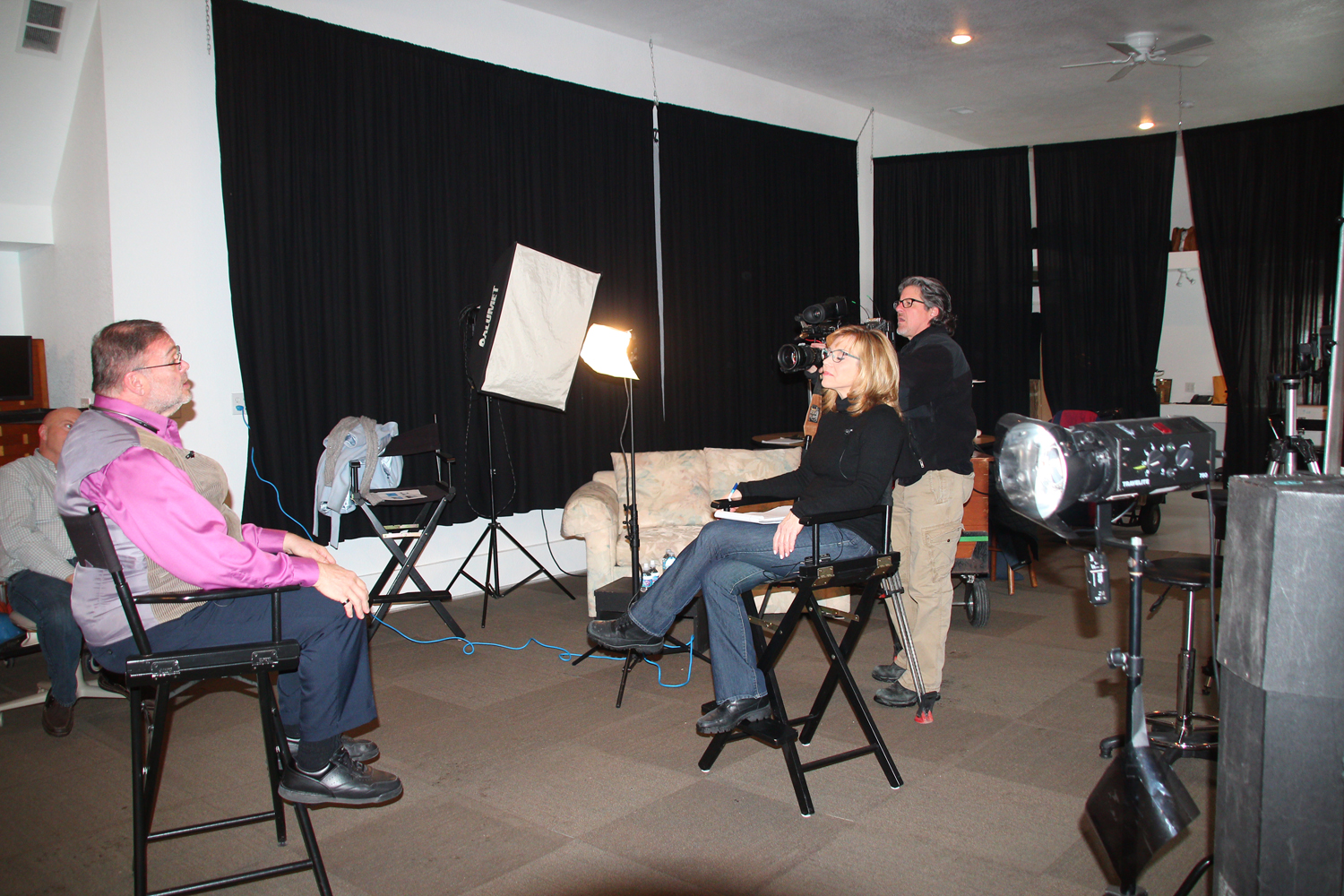
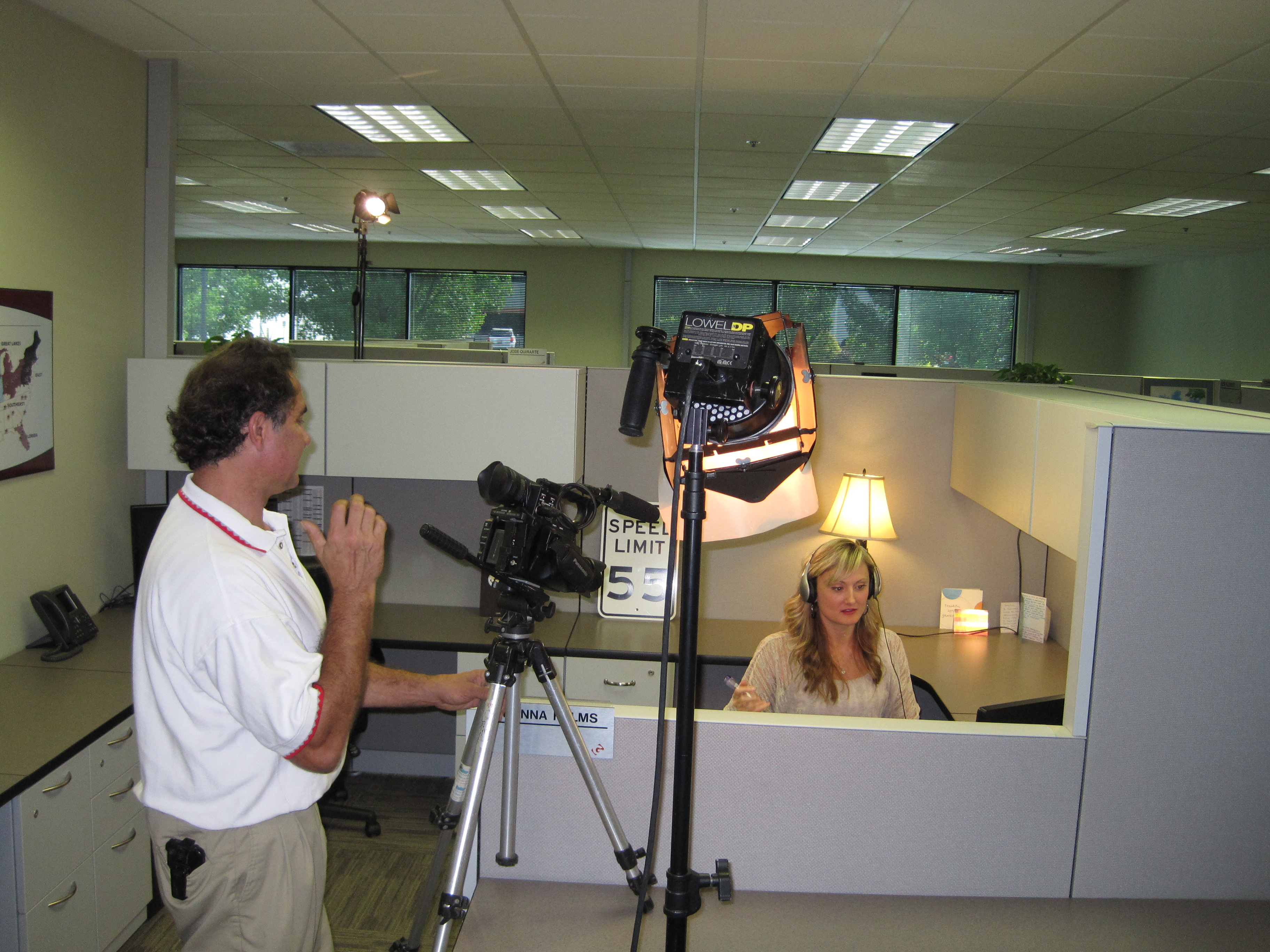
  4. Invest in Quality Production: Ensure high-quality video and audio. A professional setup with good lighting, sound equipment, and appropriate framing will enhance the viewing experience and reflect well on your brand.
  5. Edit for Clarity and Impact: Post-production is crucial. Edit the footage to remove unnecessary content while highlighting key points. Incorporate branding elements subtly to maintain focus on the testimonial.
  6. Include a Call to Action: End the video with a clear call to action, encouraging viewers to visit your website or contact your company for more information.

Why Choose St Louis Photo Studio?

At St Louis Photo Studio, we are proud to be a full-service professional commercial photography and video production company with extensive experience and the right equipment for successful image acquisition. Since 1982, we have worked with numerous businesses, marketing firms, and agencies in the St. Louis area, providing tailored solutions that meet diverse media requirements.

Our services include full-service studio and location video and photography, along with editing, post-production, and licensed drone pilots. We specialize in repurposing your photography and video branding to gain more traction in your marketing efforts. With expertise in all file types and styles of media and accompanying software, we ensure that your content stands out.

Our private studio features custom lighting and visual setups, perfect for small productions and interview scenes. We have the space and resources to incorporate props that enhance your set and deliver a professional look. From providing sound and camera operators to flying specialized drones indoors, we are equipped to handle every aspect of your production.

When it comes to your next video testimonial project, trust St Louis Photo Studio to help you create compelling, authentic content that resonates with your audience. Contact us today to learn how we can bring your vision to life!

314-913-5626

stlouisphotostudio@gmail.com