Keeping a commercial roof dry and sound is not just a facilities issue – it is a risk management, brand protection, and budget control issue. When a roof fails, it rarely fails quietly. Leaks disrupt operations, damage interiors, threaten sensitive equipment, and can silently undermine structural components long before anyone sees a stain on the ceiling.
For many organizations, the challenge is simple: you can’t fix what you can’t see. Traditional visual inspections and spot repairs often miss early-stage moisture intrusion and hidden insulation damage. That’s where drone-based thermal “roof reviews” become a powerful tool for decision makers responsible for properties, capital budgets, and brand reputation.
As experienced drone photographers and thermography-focused image makers at St Louis Photo Studio, we see a growing number of building owners, managers, and marketing teams using drone thermal imaging as part of a proactive building health strategy. Below is a practical guide to how it works, what it can reveal, and how to use this kind of data to support smarter decisions about your commercial roofing assets.
Why Traditional Roof Inspections Fall Short
A typical commercial roof inspection might involve:
- A walk-through on the rooftop
- Visual checks for ponding, cracks, seams, and penetrations
- Occasional core samples or infrared scans from ground level
Useful, yes—but limited. Some key shortcomings:
- Hidden moisture: Water travels. It can enter at one point, move under membrane layers, and saturate insulation several feet away from the visible defect.
- Human perspective: Even a careful inspector can only see so much from rooftop eye level. Patterns of heat retention and moisture migration are almost impossible to detect visually.
- Safety and access: Multi-level roofs, steep sections, or areas around sensitive equipment can be difficult or unsafe to access. Those areas may never be reviewed thoroughly.
- Subjective documentation: Handwritten notes and a handful of photos often don’t deliver the kind of visual proof and repeatable data senior decision makers want.
Drone-based thermal roofing reviews are designed to address exactly these pain points.


How Drone Thermal Imaging Detects Potential Roof Leaks
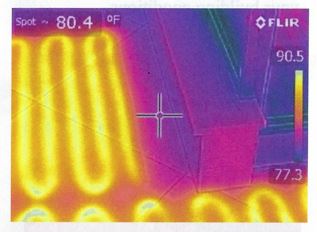
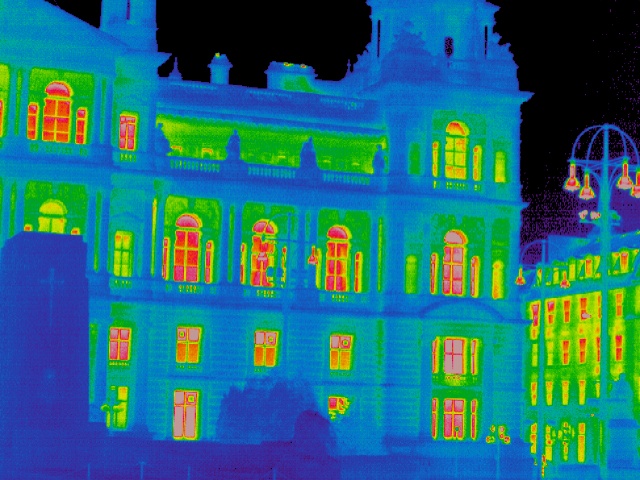
A thermal camera doesn’t “see water.” It measures surface temperature differences. On a commercial roof, trapped moisture and wet insulation behave differently than dry materials during heating and cooling cycles.
The basic principle
- During the day, the sun heats up the roof surface.
- Areas where insulation is wet or saturated retain heat longer.
- After sunset or in controlled conditions, those wet areas cool more slowly than dry areas.
- A drone equipped with a thermal camera captures these temperature differences as an image.
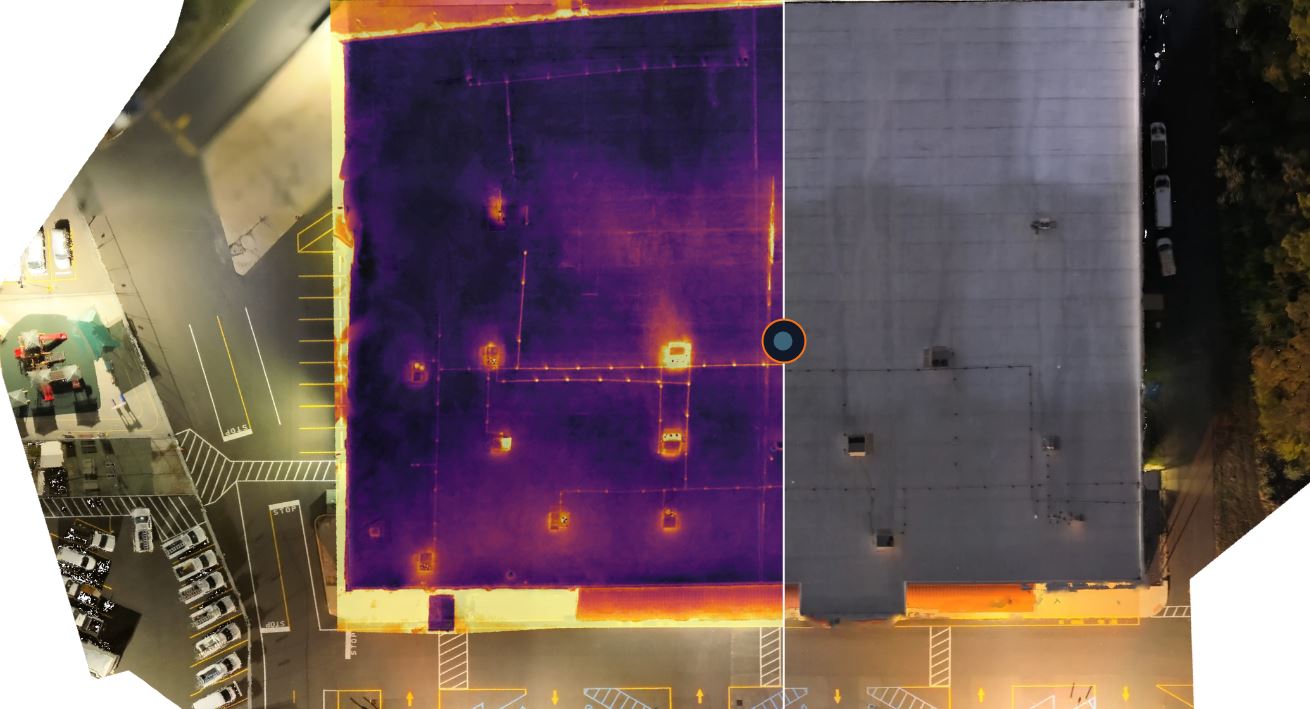
The result is a thermal map where suspect areas stand out as “hot spots” or anomalous patterns. An experienced team can interpret these patterns to identify zones that merit further testing or targeted repair.
Why drones are ideal for commercial roofs
Drones bring several advantages over handheld thermal devices alone:
- Coverage: Quickly capture the entirety of large and complex roofs, including multiple levels and hard-to-reach sections.
- Consistency: Fly repeatable paths and altitudes, building a consistent dataset over time.
- Detail: Combine thermal and high-resolution visual imagery for easier interpretation and clear communication with stakeholders.
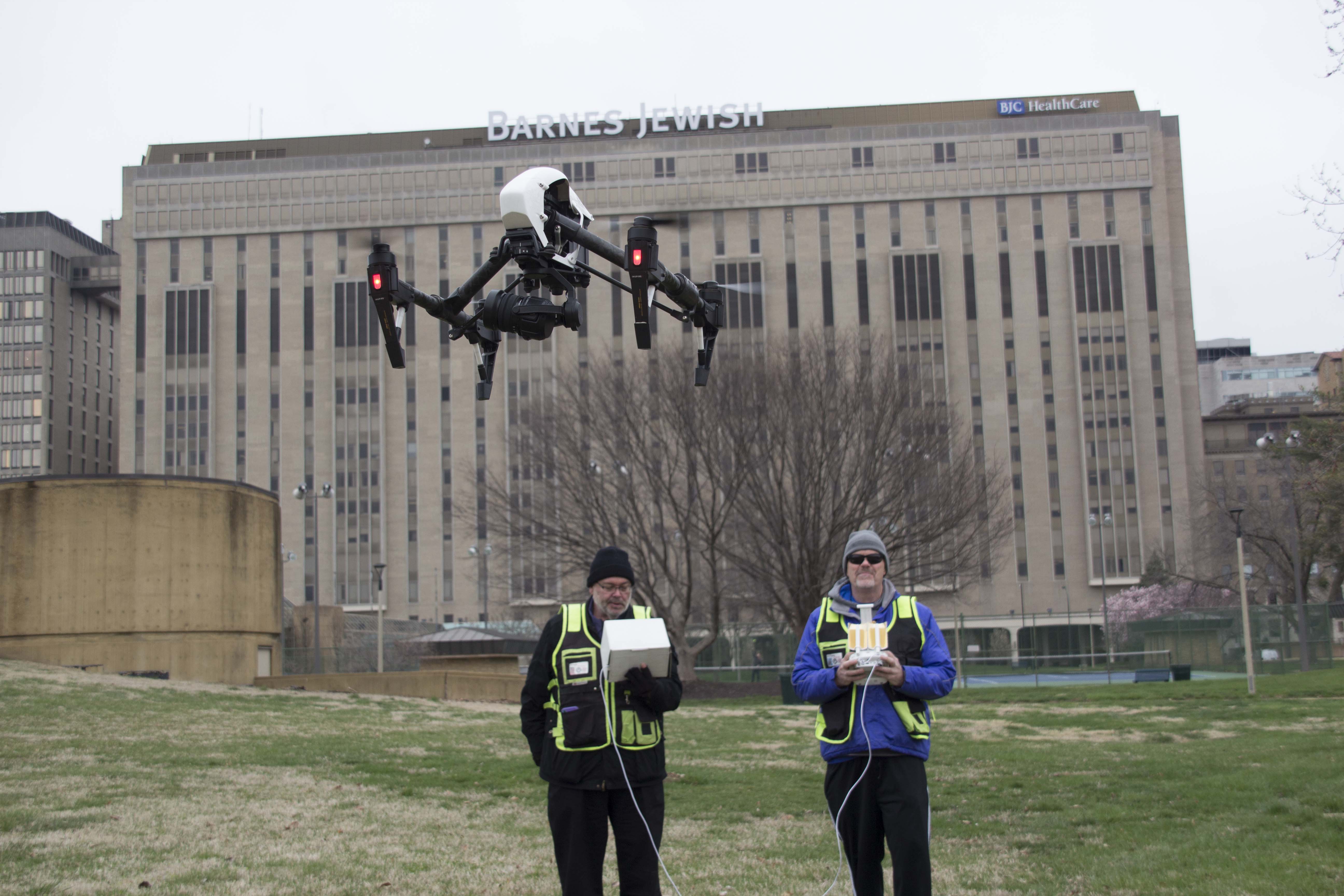
- Speed and safety: Minimal disruption to operations, reduced need for personnel on the roof, and less time working near edges and obstacles.
What a Drone Thermal Roof Review Delivers
For decision makers, the value is in the deliverables – not just the flight.
A well-executed drone thermal roofing review typically includes:
1. Thermal overview maps
- A high-level thermal orthomosaic showing the entire roof.
- Color-coded temperatures highlighting areas of concern.
- Visual overlays to correlate thermal anomalies with physical features like drains, HVAC units, skylights, and seams.
2. Detailed annotated images
- Close-up thermal stills and matching RGB (standard color) images of specific suspect zones.
- Markups, callouts, and labels that make it easy to brief executives, board members, or vendors.
- Images ready to share with roofing contractors or insurers to support repair plans or claims.
3. Priority and risk categorization
- Segmentation of the roof into zones: high priority, moderate concern, and routine monitoring areas.
- Practical recommendations such as, “Core sample recommended here,” or “Monitor this area in next inspection cycle.”

4. Time-based comparisons
When you repeat thermal roof reviews yearly or after major weather events, you create a baseline. Over time, you can compare:
- How moisture spread or receded
- Whether earlier repairs have stabilized the roof system
- Which areas may be heading toward failure before you see a leak inside
This turns thermal imaging from a one-off diagnostic into a proactive asset management tool.
When to Schedule Drone Thermal Roofing Inspections
Thermal performance depends heavily on timing and conditions. A professional team will consider:
- Time of day: Late evening or early morning is often ideal, after solar heating and during cooling.
- Recent weather: Clear skies and relatively stable conditions help produce readable thermal patterns.
- Season: Shoulder seasons (spring and fall) can often provide strong thermal contrast, but inspections can be tailored year-round depending on your roof and local climate.
For many organizations, a sensible approach is:
- Baseline scan for existing roofs
- Post-event scans after major storms or hail
- Annual or semi-annual reviews as part of preventive maintenance and capital planning
How Marketing and Leadership Teams Use This Data
Although facility managers and engineers are the primary users, drone thermal roof data is increasingly used by:
- CFOs and finance teams to justify capital expenditures with visual evidence and clear risk assessment.
- Risk management and insurance teams to document due diligence, reduce claim disputes, and negotiate more favorable terms.
- Marketing and corporate communications when documenting facility upgrades or sustainability initiatives, especially when telling the story of how the organization protects its assets and reduces waste.
Well-presented drone thermal imagery gives leadership a high-confidence, boardroom-ready visual narrative: Here is the problem, here are the risks if we do nothing, and here’s our plan.


Integrating Drone Thermal Reviews Into Your Maintenance Strategy
To get the most out of drone roofing leak and thermal reviews, it helps to think in terms of process, not just technology.
1. Align on objectives
Clarify what you’re trying to accomplish:
- Identify potential leaks before there’s interior damage
- Assess the extent of suspected damage after a specific event
- Support budgeting for repair vs. replacement
- Document roof condition before a property sale or acquisition
2. Coordinate with your roofing contractor
Use the drone thermal data as a conversation starter, not a standalone verdict. A quality contractor can:
- Perform targeted core samples in suspect zones
- Validate which anomalies indicate moisture versus benign conditions
- Propose repair or restoration strategies that match your capital plan
3. Build a repeatable inspection schedule
Turn thermal reviews into a recurring line item:
- Compare year-over-year conditions
- Track how repairs perform
- Avoid surprise failures and emergency repairs that cost more and disrupt operations
4. Standardize reporting for leadership
Ask for deliverables that can be quickly folded into internal reports and presentations:
- Summary maps with legends and clear annotations
- Short executive summaries that translate technical findings into business language
- Images and graphics formatted for internal decks and documentation
Why Professional Imaging Quality Matters
Not all drone thermal footage is created equal. For your internal teams and external partners to trust and act on the results, the imaging must be:
- Accurately captured: Correct altitude, camera settings, and flight patterns are critical for consistent thermal readings.
- Correctly interpreted: False positives and false negatives can be costly. Experience with both photography and thermal behavior on roofing systems is essential.
- Professionally presented: Clear overlays, labels, and sequencing of images make reports usable instead of confusing.
This is one area where the intersection of professional photography, video production, and drone operations really shows its value. The goal is not just to “fly the drone”; it is to deliver visual evidence that drives intelligent decisions.
How St Louis Photo Studio Supports Drone Thermal Roofing Reviews
Determining potential roofing leaks with drone thermal reviews calls for more than just a pilot and a camera. You need a partner who understands imaging, storytelling, and the unique demands of commercial properties.
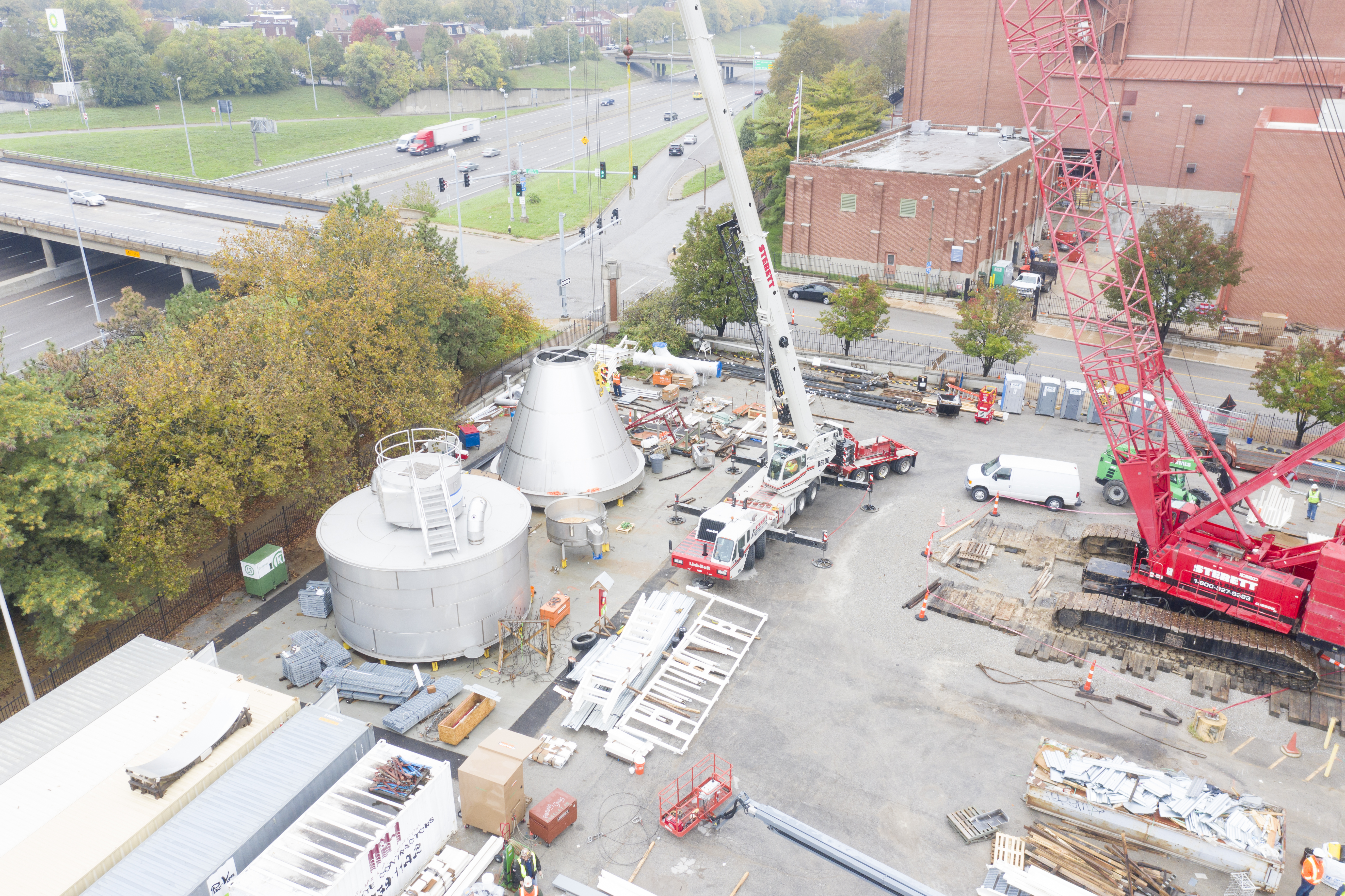
At St Louis Photo Studio, we bring decades of commercial photography and video production experience to every project, including specialized drone thermal work for building envelopes and roofing systems.
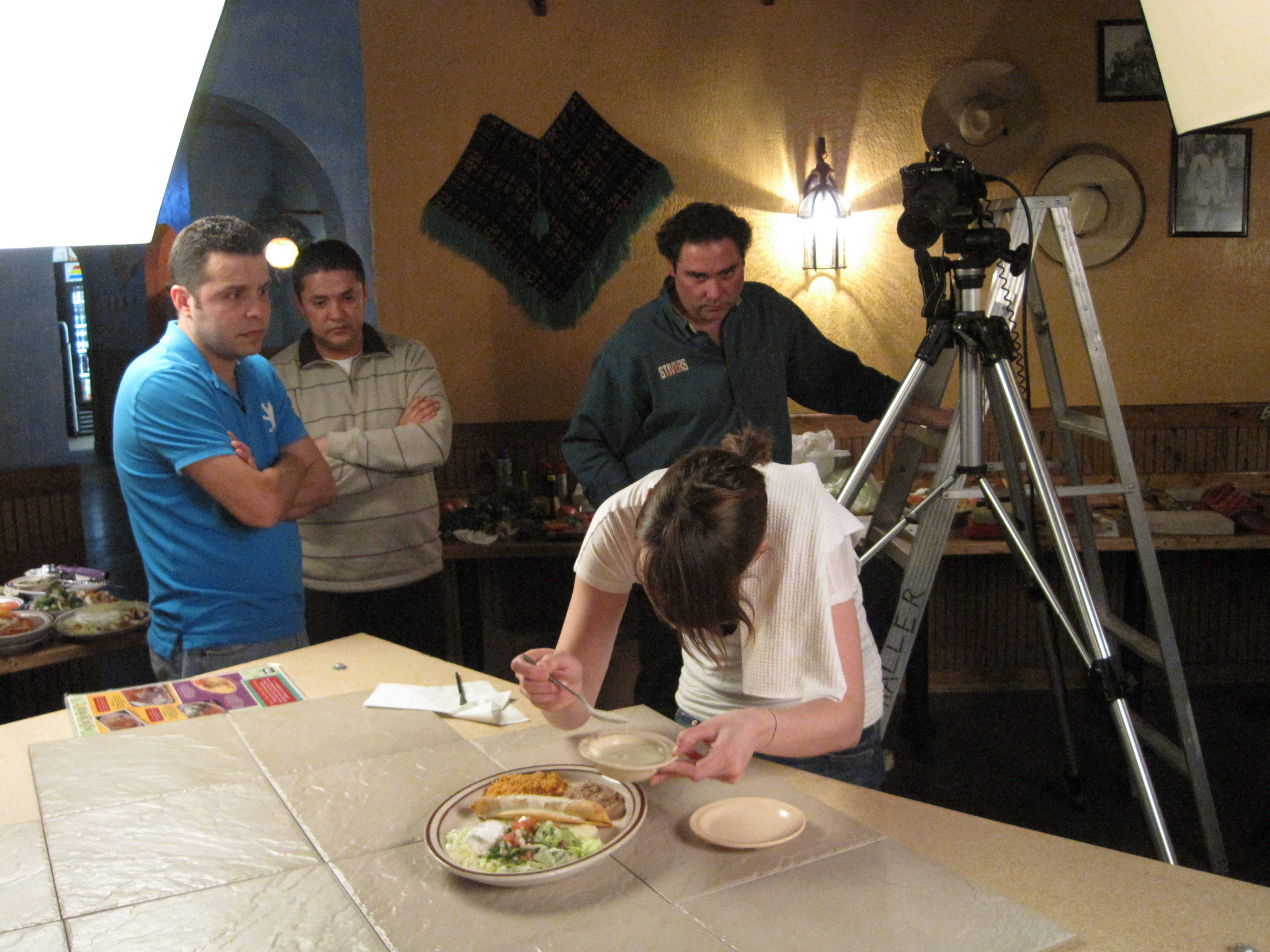
- We are a full-service professional commercial photography and video production company with the right equipment and creative crew experience for successful image acquisition.
- We offer full-service studio and location video and photography, as well as editing, post-production and licensed drone pilots, giving you a single, integrated team for capture and delivery.
- St Louis Photo Studio can customize your productions for diverse types of media requirements – from technical reports and internal presentations to marketing visuals that demonstrate your commitment to facility health and risk management.
- Repurposing your photography and video branding to gain more traction is another specialty. The same professional level of imagery and narrative discipline we bring to your marketing content also informs how we present technical roof and building data.
- We are well-versed in all file types and styles of media and accompanying software, allowing us to deliver assets that drop smoothly into your internal workflows, vendor systems, or content platforms.
- We use the latest in Artificial Intelligence for all our media services, from enhancing imagery and organizing large data sets to helping create clear, understandable visual reports out of complex thermal captures.
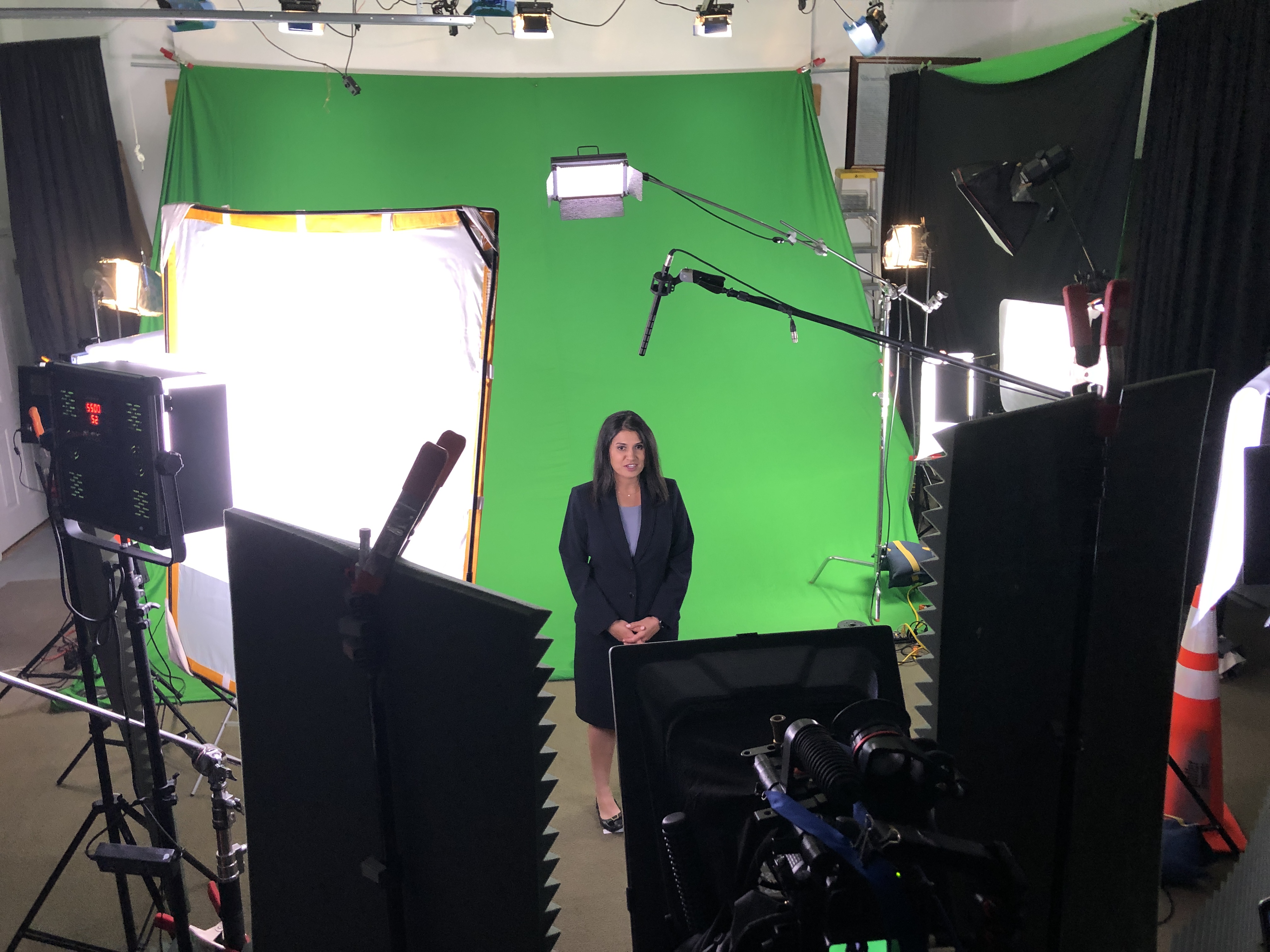
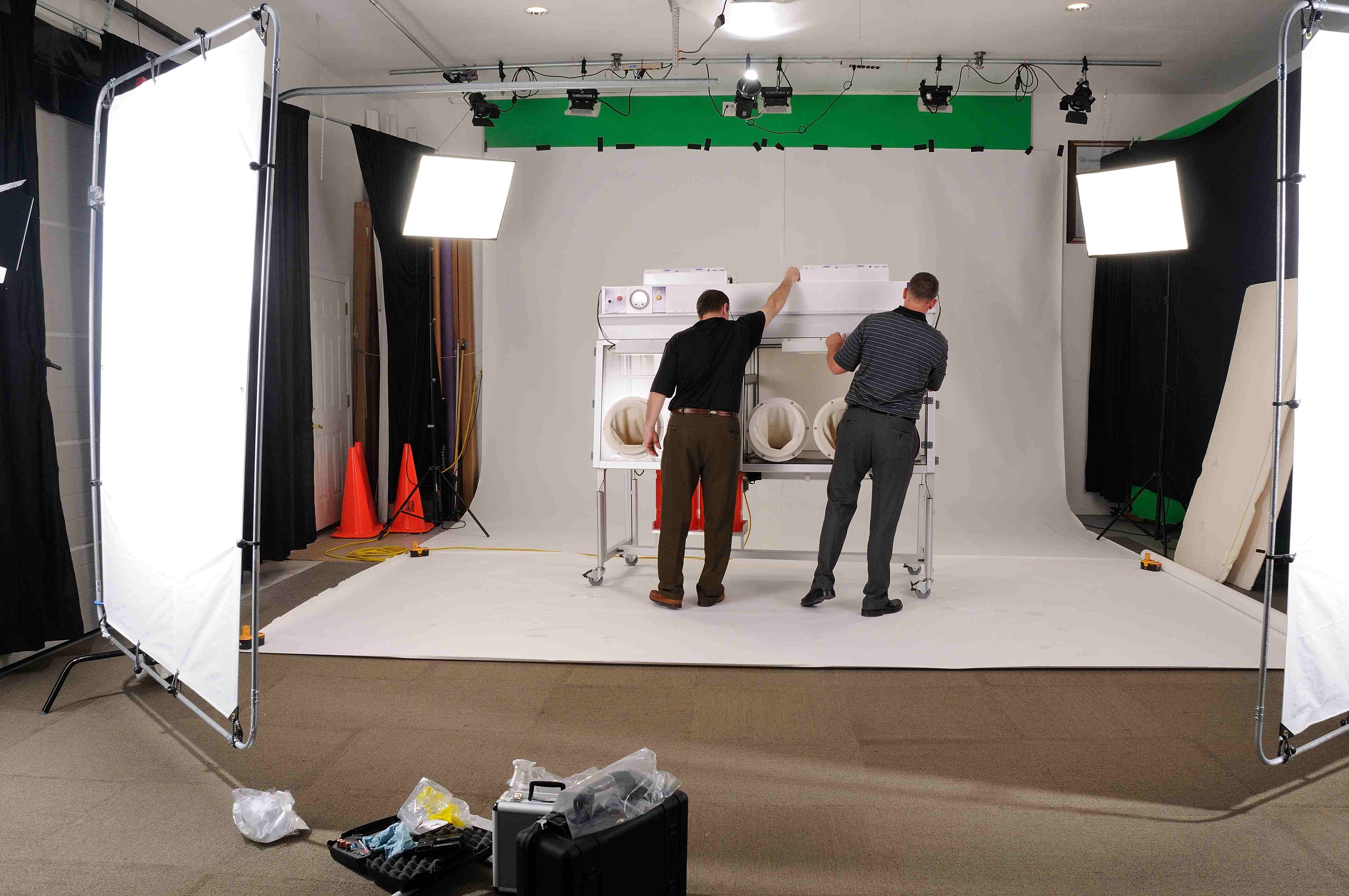
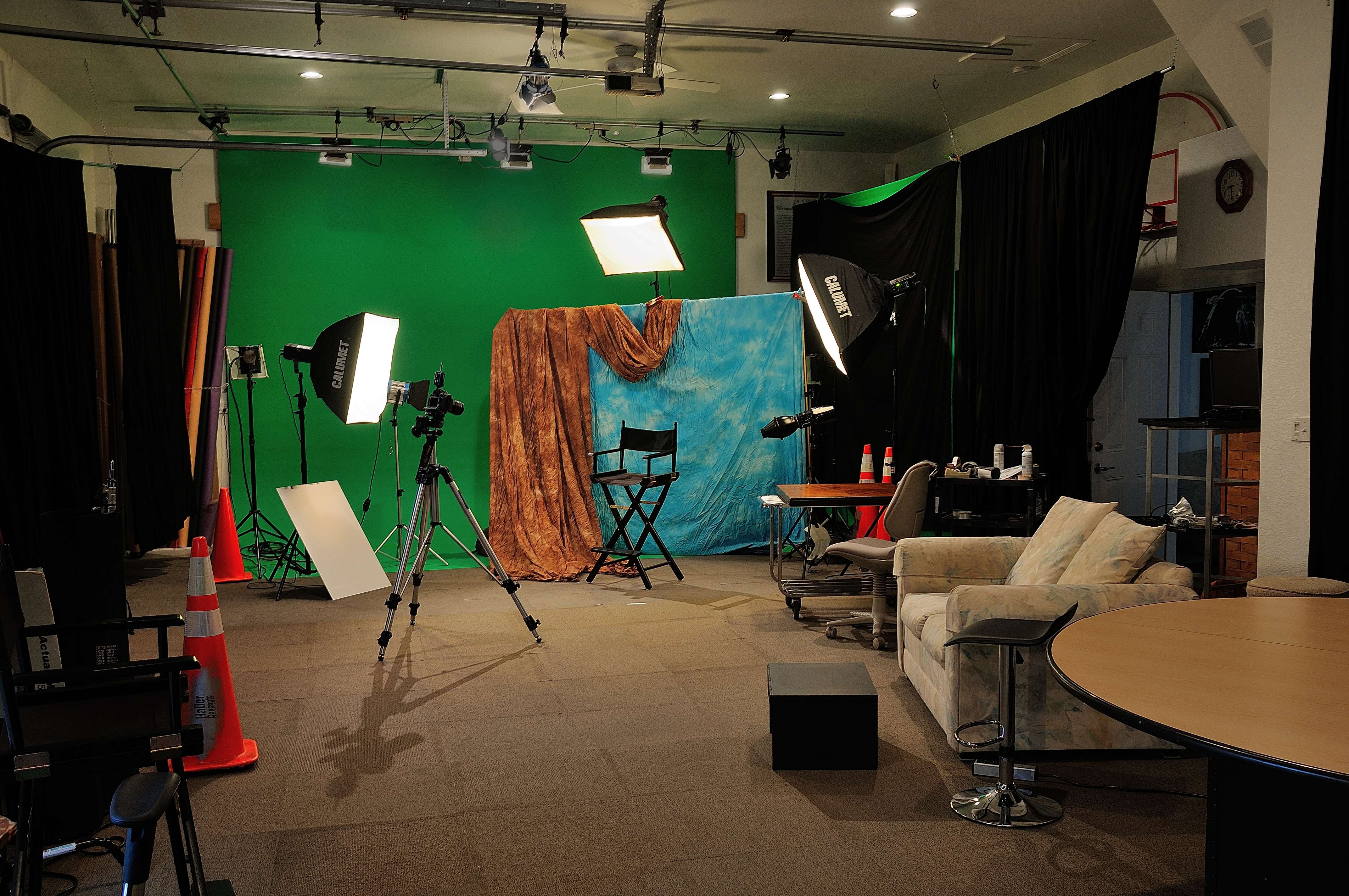
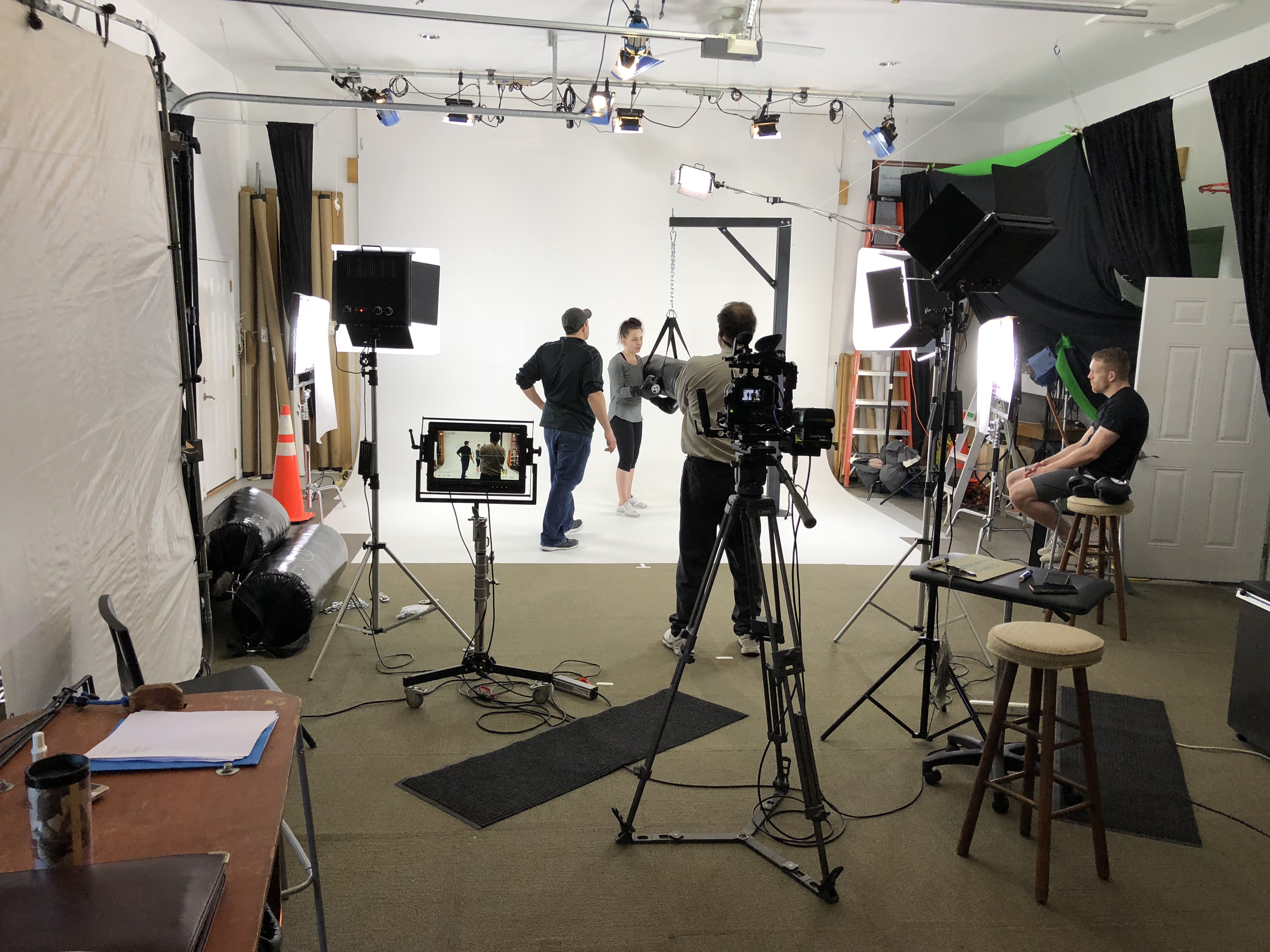
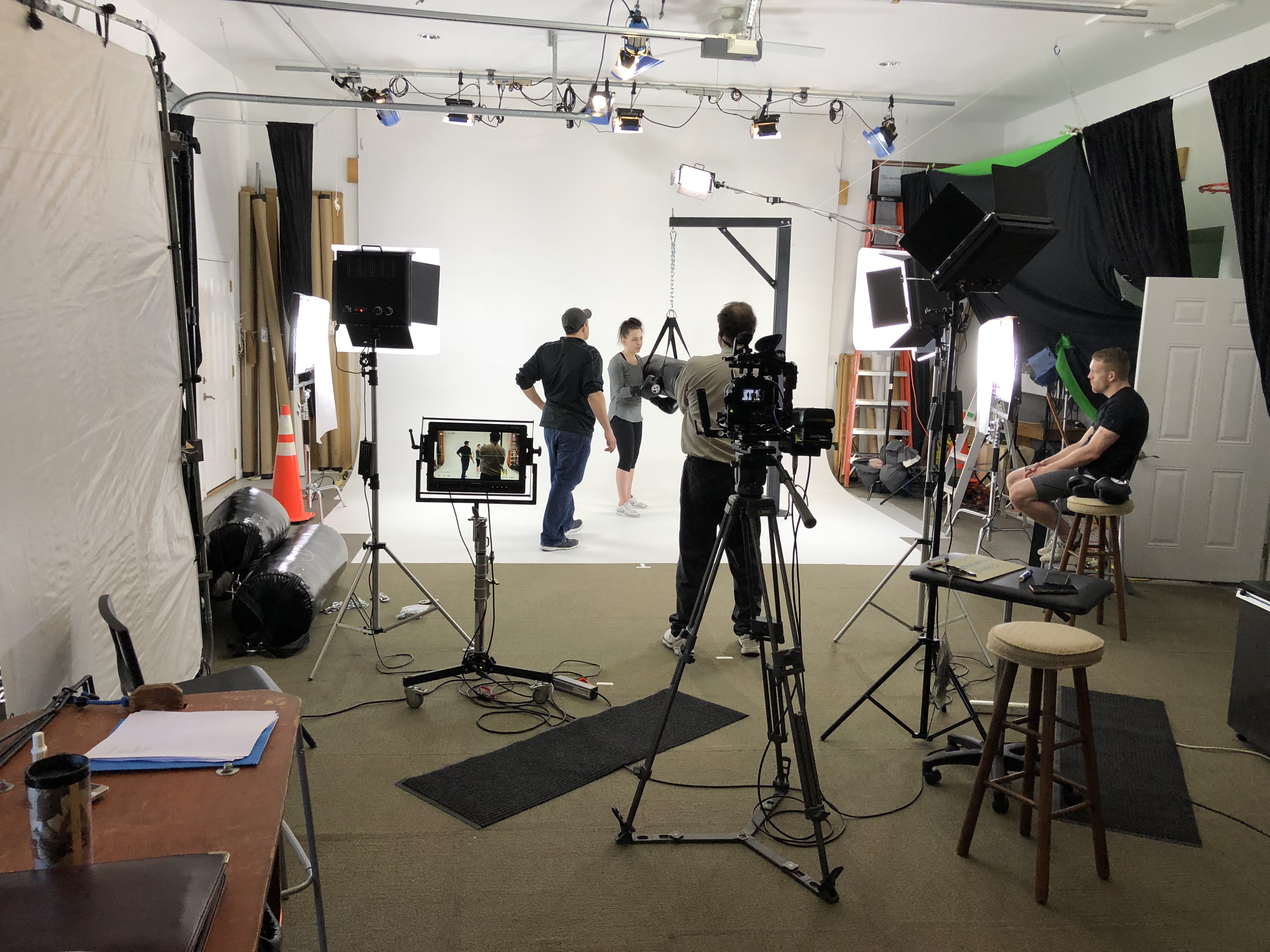
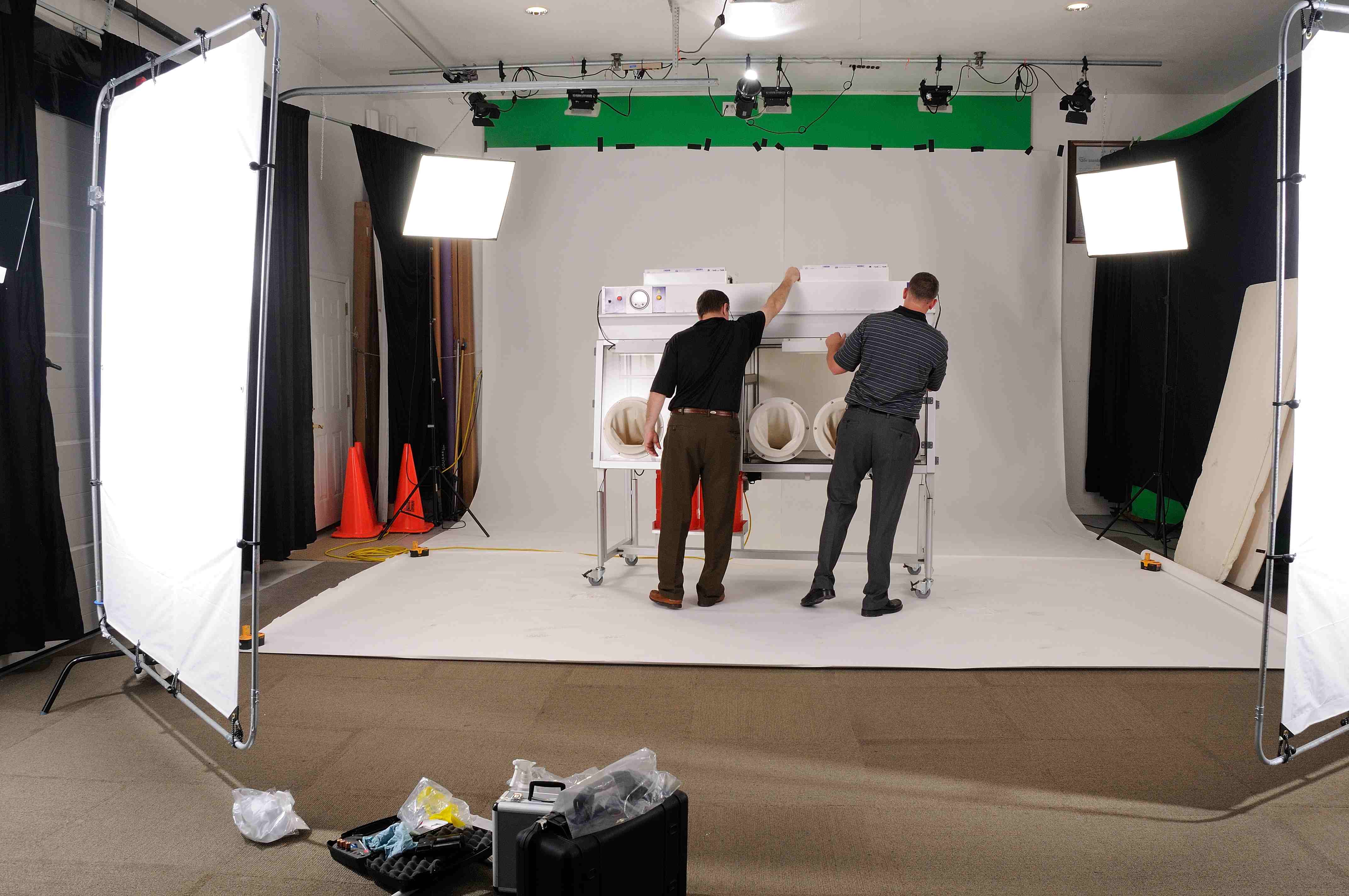
- Our private studio lighting and visual setup is perfect for small productions and interview scenes, if you want to pair your building visuals with on-camera explanations from your leadership or facilities team. Our studio is large enough to incorporate props to round out your set and make even technical topics visually engaging.
- We support every aspect of your production—from setting up a private, custom interview studio to supplying professional sound and camera operators, as well as providing the right equipment—ensuring your next video production is seamless and successful.
- For specialized projects, we can even fly our specialized drones indoors, supporting inspections and visuals in large atriums, warehouses, and other interior spaces where aerial perspectives are beneficial.
As a full-service video and photography production corporation since 1982, St Louis Photo Studio has worked with many businesses, marketing firms, and creative agencies in the St. Louis area for their marketing photography and video. We bring that same seasoned, production-focused mindset to your drone thermal roofing reviews—helping you see more, decide faster, and protect your buildings with confidence.
314-913-5626
Mike Haller
stlouisphotostudio@gmail.com
4501 Mattis Road St Louis, MO 63128