Capturing the perfect images and videos at your company event is only half of the equation. The true value of these assets comes from how they’re organized, stored, and utilized. Without an effective organization system, even the best shots and videos can get lost in the shuffle, making it harder for your team to leverage them for future marketing, branding, or internal purposes.
In this post, we’ll walk you through the process of organizing your photos and videos after a company event to ensure they’re easily accessible and ready for any marketing or content creation needs. Whether you’re planning to repurpose the footage for social media, internal presentations, or long-term promotional use, proper organization is key to maximizing the potential of your visual assets.
Step 1: Define Your Categories
Before you start organizing your photos and videos, it’s important to establish categories that will make it easier to locate specific content later. Think about how the content will be used and group your files accordingly. Here are a few common categories you might want to consider:
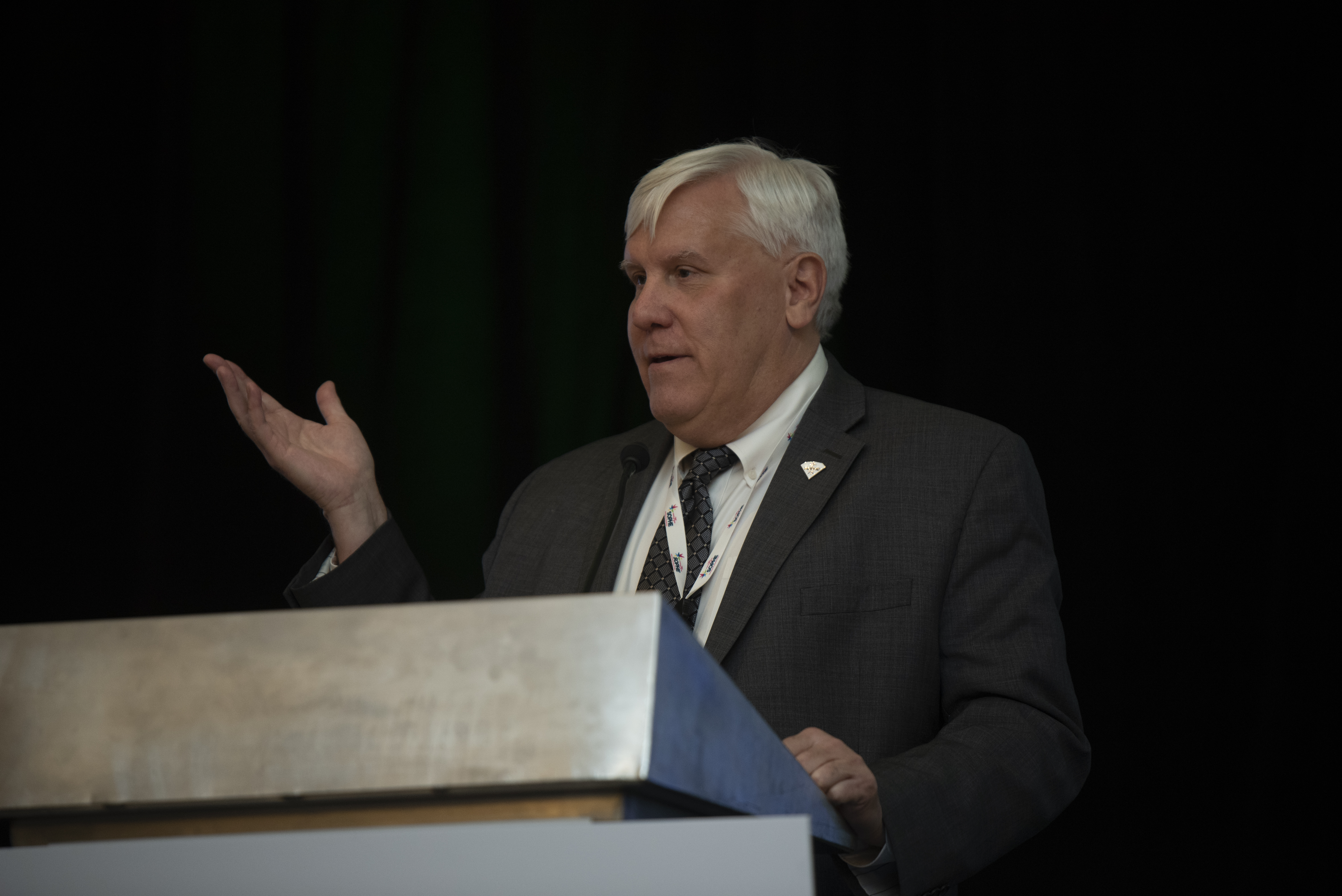
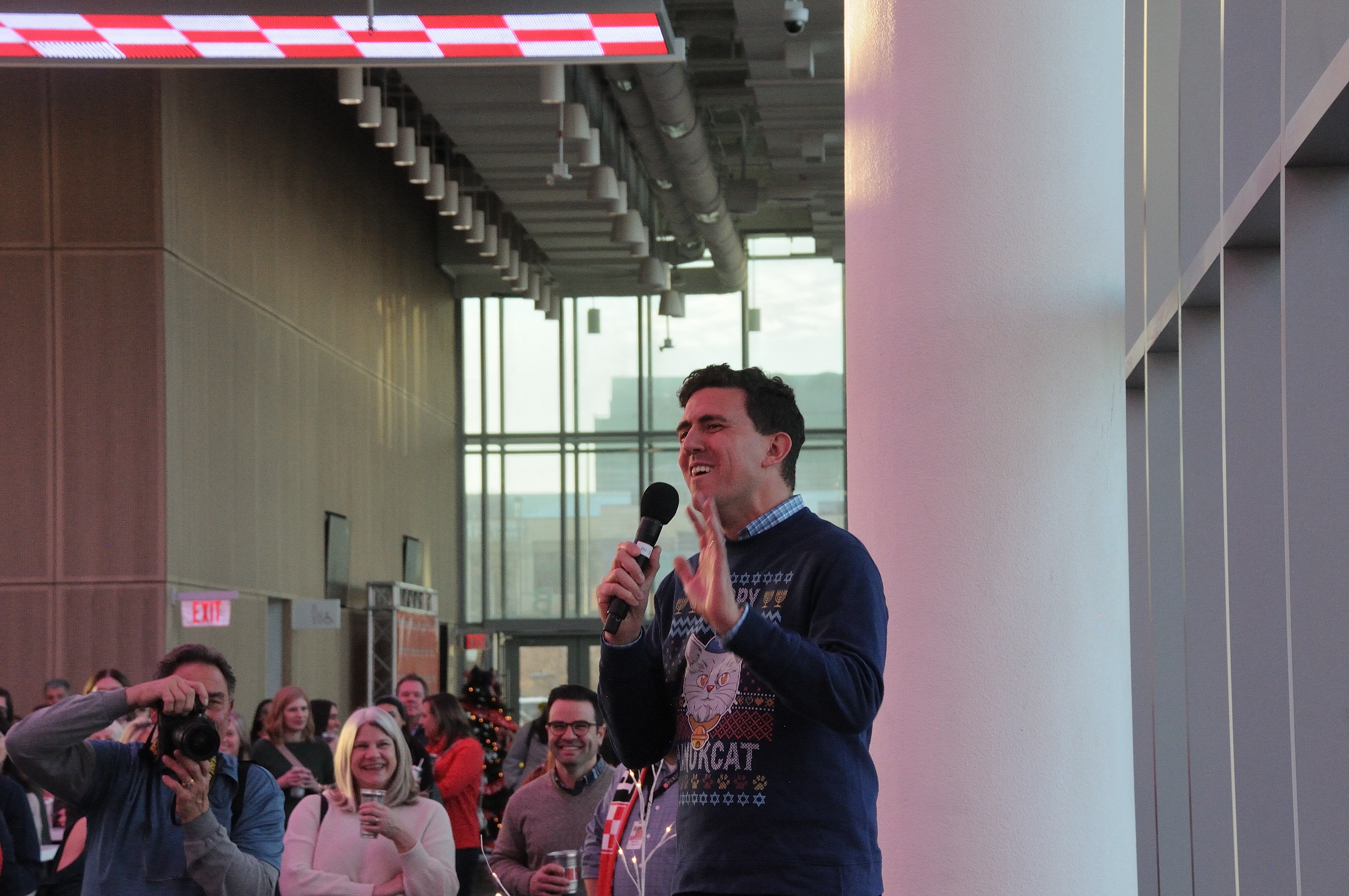
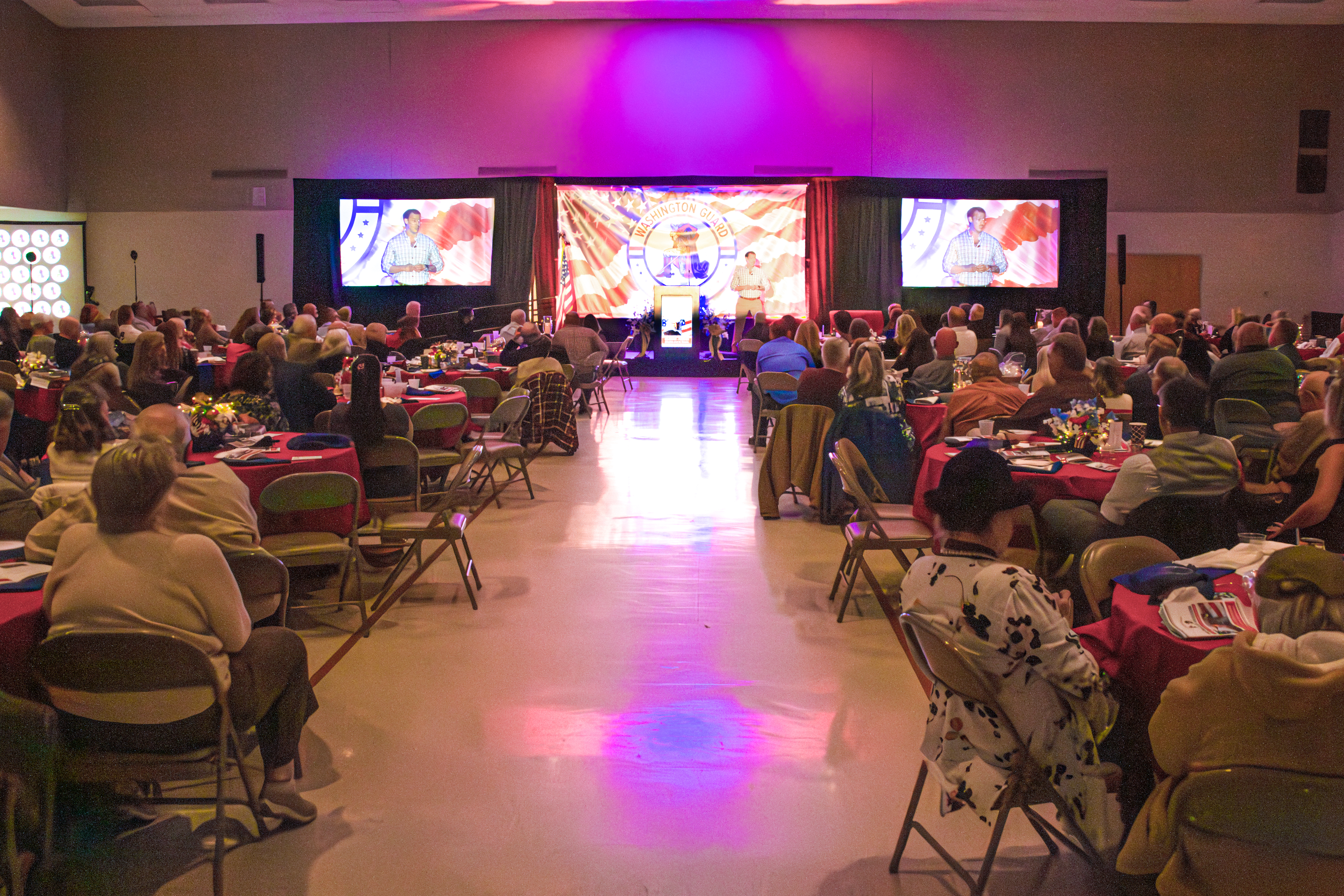
- Event Highlights: This category includes the most important moments of the event, such as keynote speakers, award ceremonies, and important milestones.
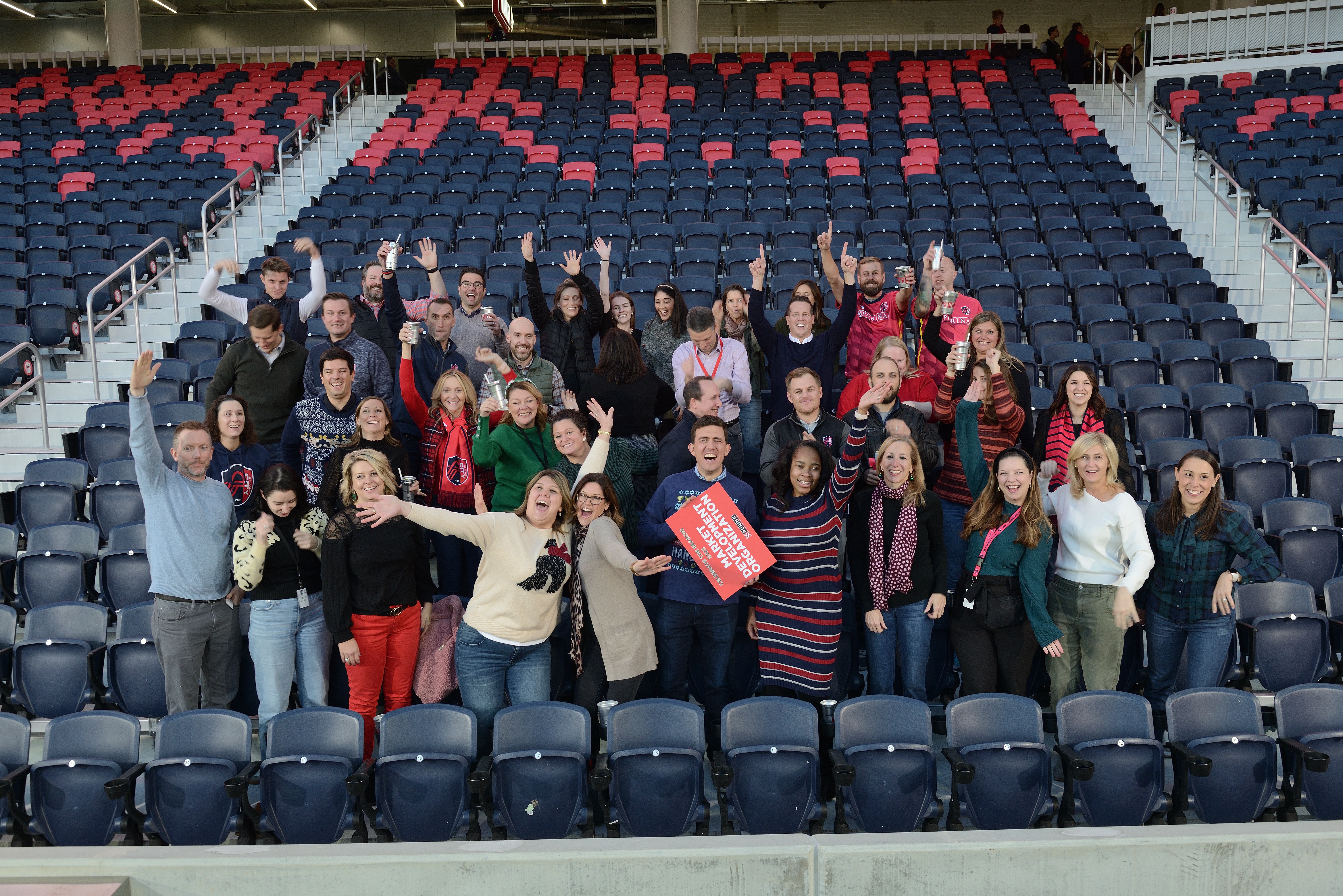
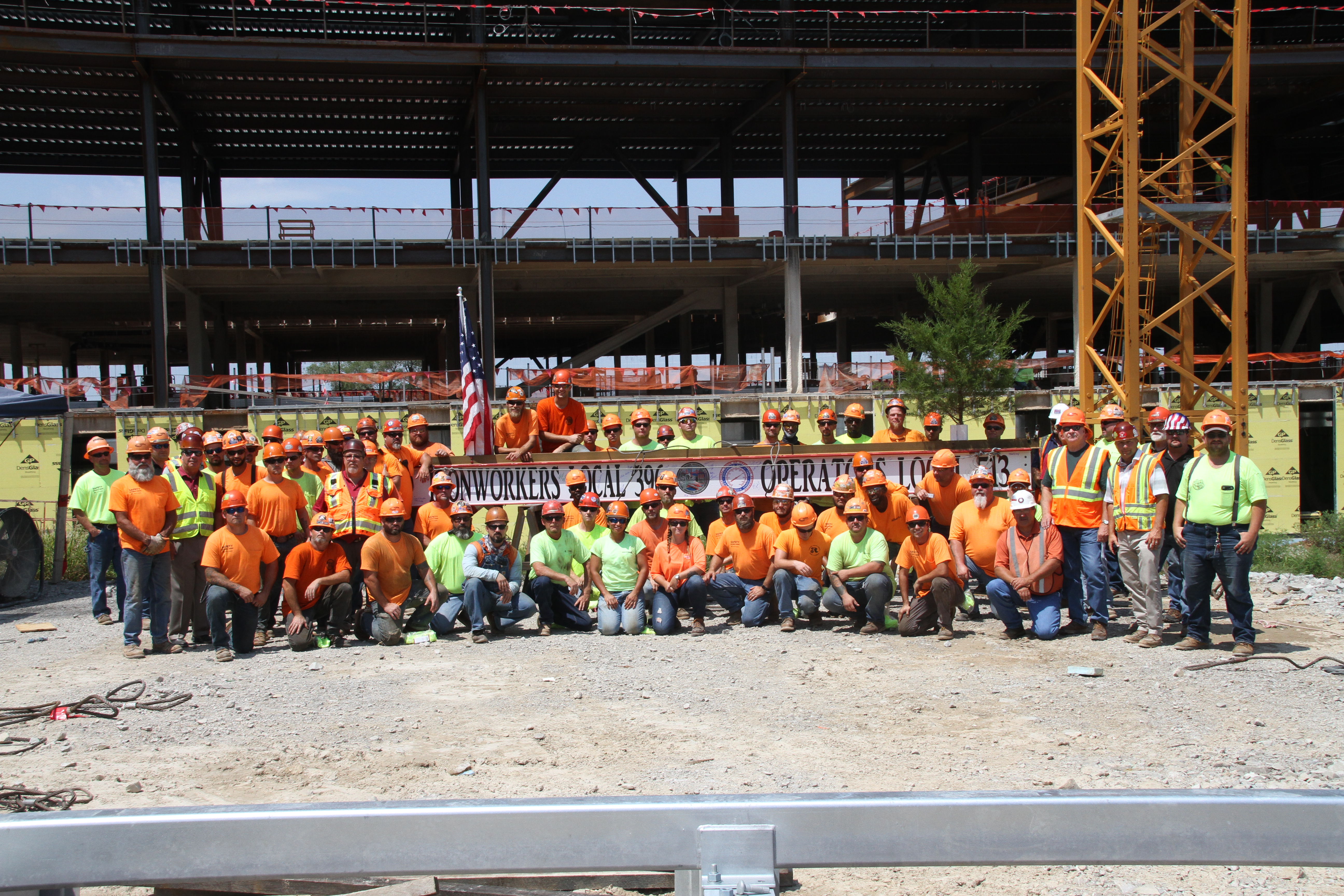
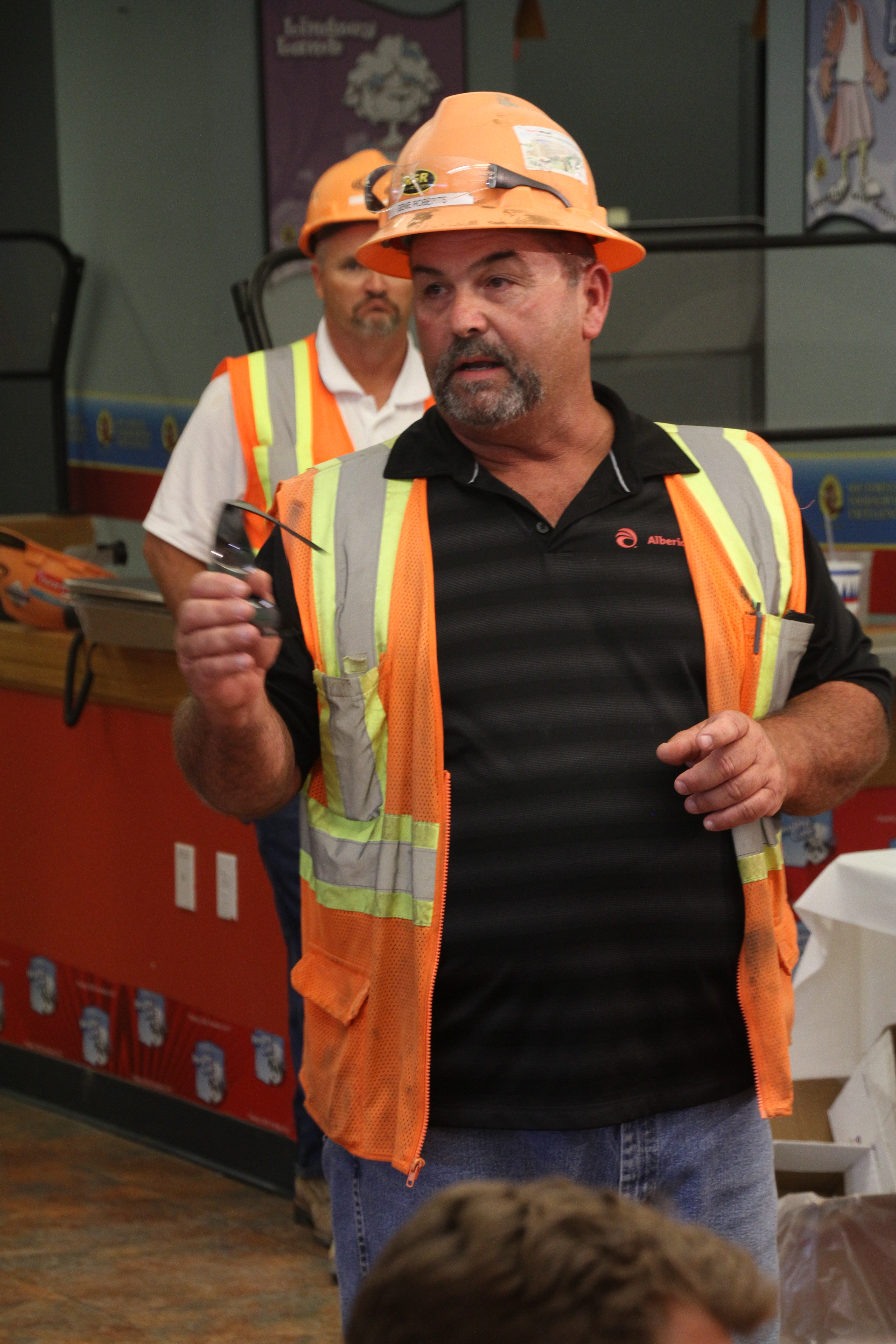
- People and Attendees: Group images and videos of attendees, networking sessions, and group photos here. If you have shots of key individuals or notable guests, this category should highlight those as well.
- Behind-the-Scenes: Candid shots or video clips of behind-the-scenes moments during setup or breaks can be great for future marketing materials or social media posts.
- Venue and Details: If your event took place in a unique venue or featured significant decor, product displays, or branding, you’ll want to organize these shots separately.
- Testimonial Videos: If you captured interviews or testimonials from attendees or speakers, these can form a unique category for easy access when creating case studies or promotional content.
- Promotional Material: For images and videos that are specifically designed for marketing, such as promotional trailers or teaser videos, it’s important to separate these out for easy access during the post-production process.
Step 2: File Naming Conventions
Once you have your categories in mind, it’s time to focus on file naming. This can often be the most tedious part of organizing your visual content, but it is crucial for easy retrieval. Here are some tips to make your file naming system efficient:
- Consistency Is Key: Stick to a uniform format for naming files. A good structure could include the event name, the date, and a description of the content. For example, “EventName_YYYYMMDD_SpeakerName” for images or “EventName_YYYYMMDD_BehindTheScenes” for video files.
- Keep It Short and Descriptive: File names should be short but descriptive enough to give an idea of what the content is. Avoid using spaces or special characters, which may cause issues on some systems.
- Use Folders and Subfolders: Organize your files into folders based on categories and then create subfolders for more specific types of content. This creates a layered approach that’s easy to navigate.





Step 3: Implement a Storage System
With your files named and categorized, the next step is choosing the right storage system. For companies dealing with large volumes of photos and videos, a reliable storage solution is essential. Here are some options:
- Cloud Storage: Services like Google Drive, Dropbox, or Box allow for secure, remote access to your content, which is perfect for teams that need to share files across locations. The added bonus of cloud storage is that it offers scalability—meaning, as your visual content library grows, you can easily upgrade your storage.
- External Hard Drives: If you prefer to store your files locally, an external hard drive with ample storage space is a solid option. Make sure to back up your files regularly to avoid data loss.
- Network-Attached Storage (NAS): For larger organizations or those working with extensive amounts of media, a NAS system can provide centralized, secure storage. This allows your team to access files from multiple devices and workstations, streamlining the production process.
Step 4: Utilize Metadata and Tags
Metadata is an often-overlooked but powerful tool for organizing visual content. By adding relevant metadata (such as keywords, descriptions, and dates) to your files, you can create an extra layer of searchability.
- Descriptive Tags: Tags should be added to both images and video files to help with content retrieval. Tags could include the event type, key people, themes, or specific moments within the content.
- Geotagging: For videos or photos taken in different locations, adding geotags can help further organize and sort your media.
- Using Software for Asset Management: Software like Adobe Bridge, Lightroom, or ACDSee allows you to add detailed metadata and manage your files in a more sophisticated way. These tools enable batch editing, tagging, and categorizing, which makes managing large amounts of content much easier.
Step 5: Editing and Post-Production Workflow
After organizing your raw files, it’s time to start editing and creating final content. A well-defined post-production workflow is critical to ensuring your images and videos are polished and ready for use.
- Images: Use software like Adobe Photoshop or Lightroom to enhance your photos. Create presets for consistency, such as color correction, cropping, or sharpening. If you’re working with large quantities of images, batch processing can save time.
- Videos: Video editing software such as Adobe Premiere Pro or Final Cut Pro can help you refine your event footage. Focus on creating short, impactful clips for social media and longer-form content for marketing or internal presentations.
- File Versions: After editing, it’s essential to save multiple versions of your files—such as raw, edited, and web-ready versions—so that you have the flexibility to repurpose them in different formats.
Step 6: Repurposing Content for Marketing
Repurposing your photos and videos is an effective way to extend the life of your content. A single shot from your event could be used in multiple ways:
- Social Media Posts: Short clips, behind-the-scenes footage, or powerful photos can be shared on your social media channels to keep the event buzz alive.
- Website: Highlight key moments from the event in a video gallery or blog post.
- Email Campaigns: Use images or videos to promote your event or upcoming events in newsletters.
By repurposing content, you’re not only increasing its value but also ensuring that it reaches a wider audience across various marketing channels.
Why Choose St. Louis Photo Studio for Your Event Photography and Video Needs?
At St. Louis Photo Studio, we pride ourselves on our ability to capture the essence of every event, turning moments into lasting memories. As a full-service professional commercial photography and video production company, we have the right equipment and a creative, experienced crew to ensure successful image acquisition. Our studio and location video and photography services are complemented by editing, post-production, and licensed drone pilots, all designed to bring your vision to life.
Since 1982, we have worked with businesses, marketing firms, and agencies in the St. Louis area, providing top-quality photography and video services that help brands engage their audience. We specialize in customizing productions for diverse media requirements and are experts in repurposing photography and video branding to increase traction. Our private studio setup is perfect for small productions and interview scenes, and we can accommodate larger sets with props to enhance your shoot.
Whether you need a custom interview studio setup, sound and camera operators, or indoor drone capabilities, St. Louis Photo Studio is here to support every aspect of your production. Let us help you make your next event a visual success with images and videos that will continue to benefit your business for years to come.
Ready to elevate your next event’s photography and video coverage? Contact St. Louis Photo Studio today!
314-913-5626
Mike Haller
stlouisphotostudio@gmail.com
 St Louis Photo Studio