Beyond the Lens: What to Expect at an AI-Powered Photo Shoot

AI has moved from novelty to necessity in commercial imaging. An AI-powered photo shoot blends traditional production discipline with generative and assistive tools to make more on-brand images, faster—often with more reuse across campaigns. Here’s how a modern session runs when you’re buying outcomes, not just hours on set.

What an “AI Photo Shoot” Actually Means

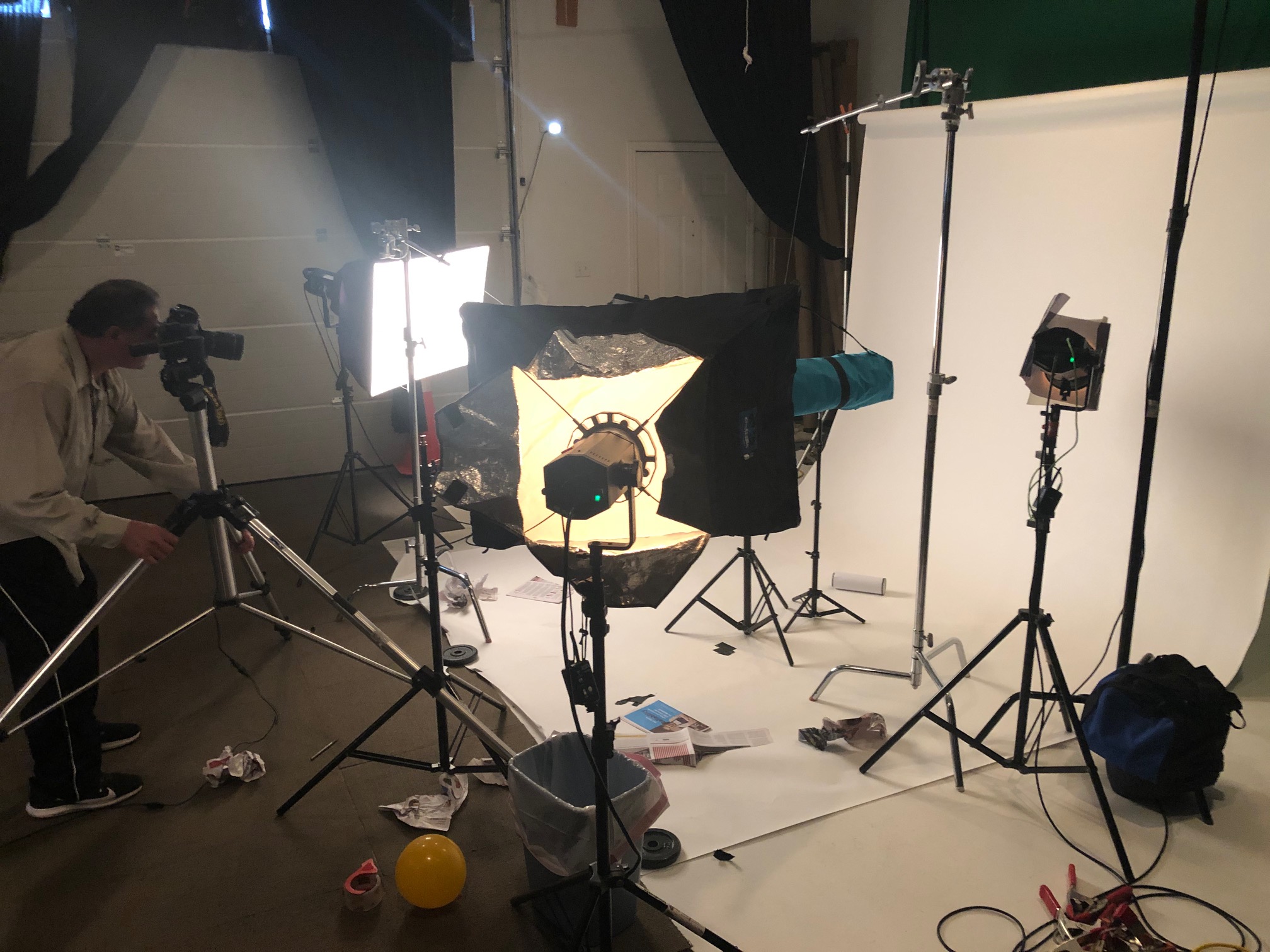
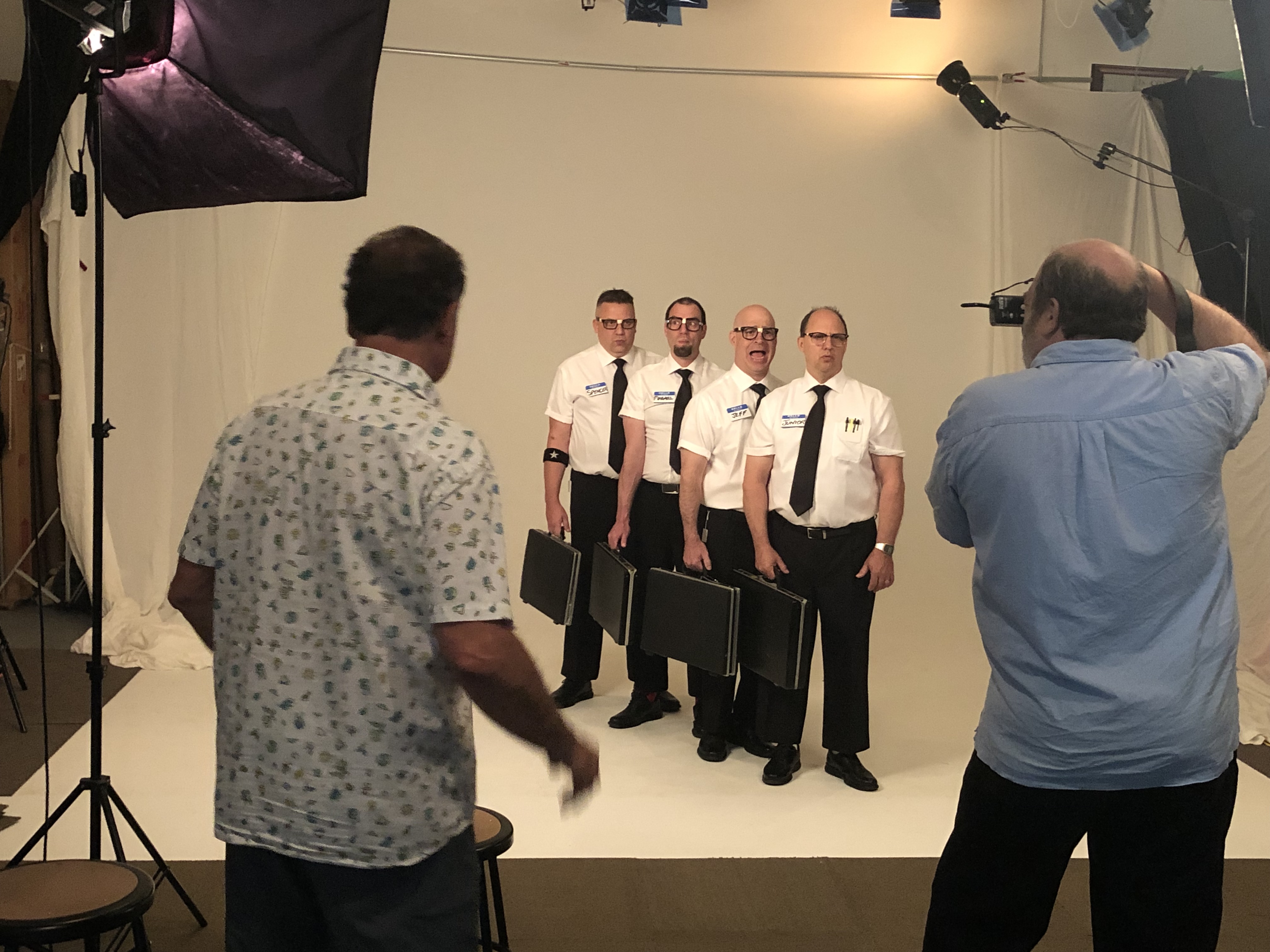
An AI shoot is still a real shoot: cameras, lights, talent, and a crew. The difference is how we plan, capture, and finish:

  • Before: We translate brand guidelines, mood boards, and shot lists into structured prompts and visual references.
  • During: We tether cameras to an AI-assisted workstation for instant layout comps, clean-ups, background variations, and lighting previews.
  • After: We use AI for retouching, set extension, product “variants,” localization, and rapid versioning—under strict brand guardrails.
The Pre-Production You’ll Approve

1) Brand guardrails become machine-readable.
Logos (vector), color palettes, type specimens, product SKUs, feature callouts, and usage do’s/don’ts are converted into prompt components and negative prompts. We also define forbidden motifs to avoid off-brand results.

2) Visual references & style tokens.
We align on signature looks (lighting ratios, depth of field, composition rules), plus reference sets for talent, wardrobe, surfaces, and environments. When appropriate, we can fine-tune models on your brand’s historic imagery (with your permission) to preserve continuity.

3) Shot list → prompt matrix.
Each shot becomes a matrix of: objective, hero element, angle, environment, lighting, props, required copy-space, output sizes, and allowed AI assists (e.g., “set extension only, no product geometry changes”).

4) Legal & rights readiness.
We secure enhanced model releases (consent for limited AI usage), location approvals, and approvals for any synthetic backgrounds or stock elements. We document licenses for models/tools used.

What the On-Set Workflow Feels Like

  1. Lighting & proofing first. We light “for real” to establish form and believable shadows.
  2. Tethered capture to calibrated monitors. You see color-managed frames; we mark selects in real time.
  3. Live AI assists (where approved):
    • Clean plate creation and minor object removal for faster pacing.
    • Background swaps and set extensions to visualize options before we move lights.
    • Real-time layout testing: cropping for 9:16, 1:1, 4:5, and 16:9 with safe areas.
  4. Variant generation with restraint. We generate only within pre-approved boundaries (e.g., background materials, depth tweaks), never altering product geometry or claim-sensitive attributes without explicit sign-off.
  5. Seeded reproducibility. Every assisted variant stores prompts, seeds, and parameters so you can re-create a look next quarter.
Quality, Color, and Compliance

  • Color management: camera profiles, scene-referred workflow, and strict conversions for web, OOH, and print.
  • Authenticity checks: product edges, reflections, regulatory markings, skin and fabric realism.
  • Bias & brand safety: we pre-screen prompts and negative prompts; diverse casting and representation are planned, not “fixed” later.
  • Watermarking & provenance (optional): we can embed metadata and provenance tags for internal governance.

Post-Production You Can Scale

  • Structured handoff: layered master files, flattened deliverables, and a manifest of every AI assist.
  • Rapid versioning: colorways, language localization, and channel-specific crops that stay on-brand.
  • DAM-ready metadata: SKU, campaign, usage rights, seed/prompt notes, alt text, and accessibility annotations.
  • Testing-friendly: we can output A/B sets for paid social, email, and landing pages with consistent variables.

Budgeting: Where AI Saves—and Where It Doesn’t

Saves: fewer physical set builds, faster clean-ups, more variants from each hero shot, reduced reshoots for “one more angle.”
Still Costs: senior creative time, compute for complex generative tasks, fine-tuning fees, compliance/legal review, and rigorous QC.
Best practice: lock product truth and claims in pre-pro; let AI optimize backgrounds, scale variants, and accelerate retouching.

Risk Management for Decision Makers

  • No “magic” edits to regulated products. Geometry, safety features, and claims remain faithful.
  • Document trail: prompts, seeds, model versions, and licenses are logged.
  • Fallbacks: if an assist isn’t passing QC, we capture practically—lights, flags, plates—so you never leave without usable assets.

A Practical Checklist

Before the shoot

  • Final brand kit (logo vectors, colors, typography)
  • Approved reference looks and negative prompts
  • Shot list with usage map (web, print, OOH, retail, broadcast)
  • Model/location releases with AI clauses
  • Product truth sheet (what can/can’t change)

On set

  • Tethered, calibrated monitors for client review
  • Seeded prompt logging and version control
  • Live crops for all channels; mark hero/selects
  • Compliance sign-offs per shot family

After

  • Masters + deliverables with metadata
  • Provenance/usage documentation
  • Testing sets for paid campaigns
  • Archive seeds/prompts for future refreshes

Why Partner with St Louis Photo Studio

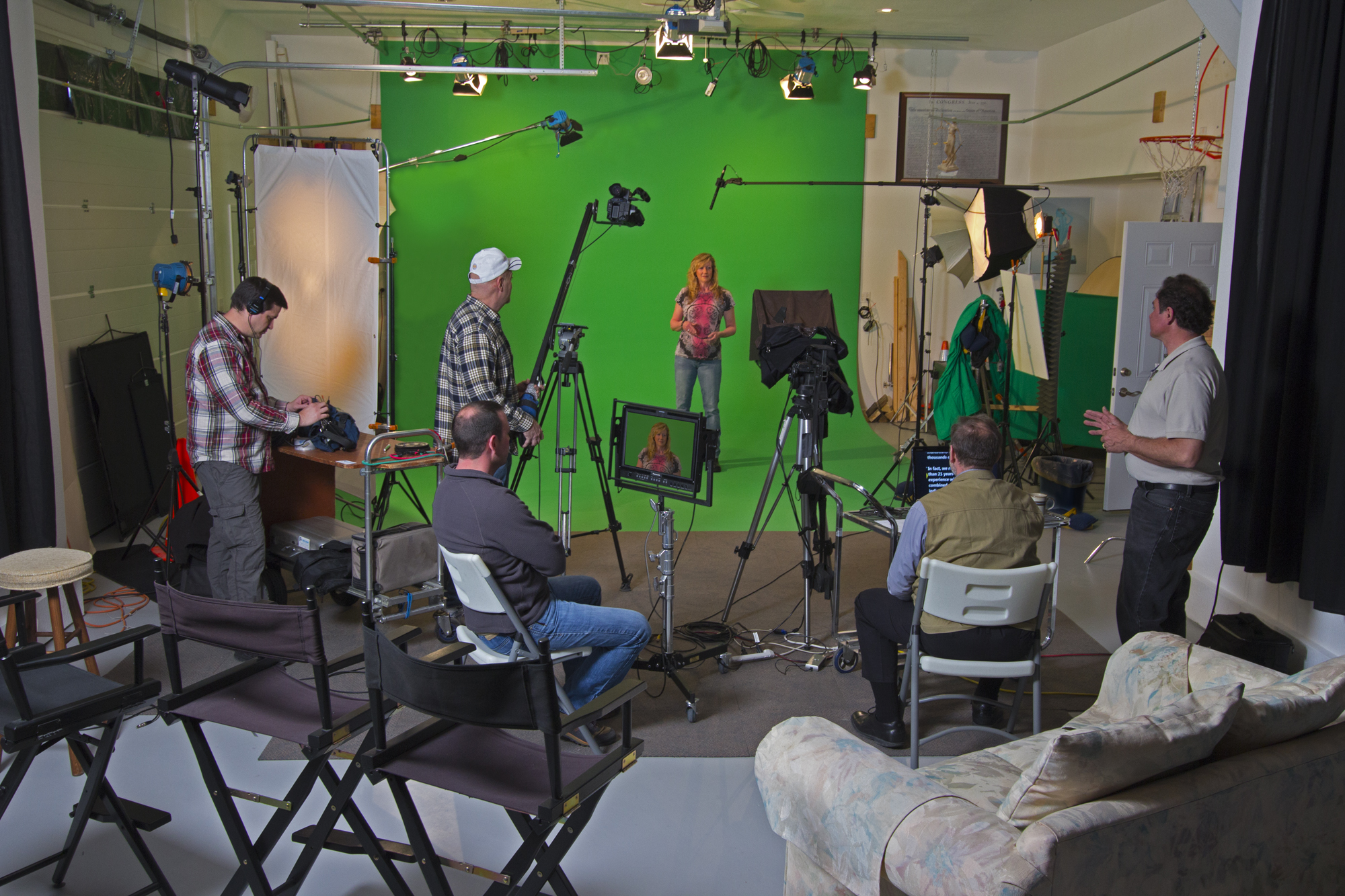
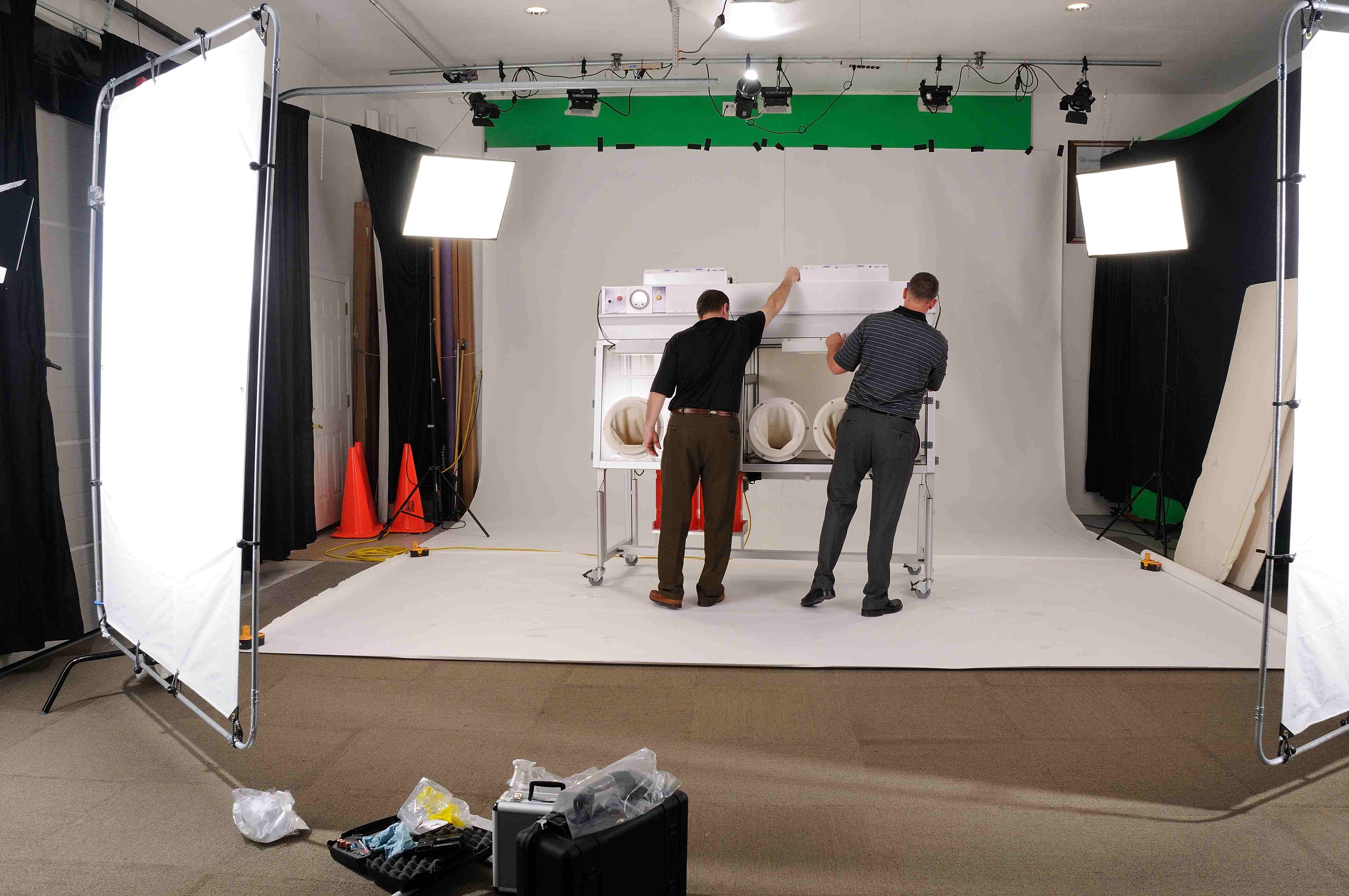
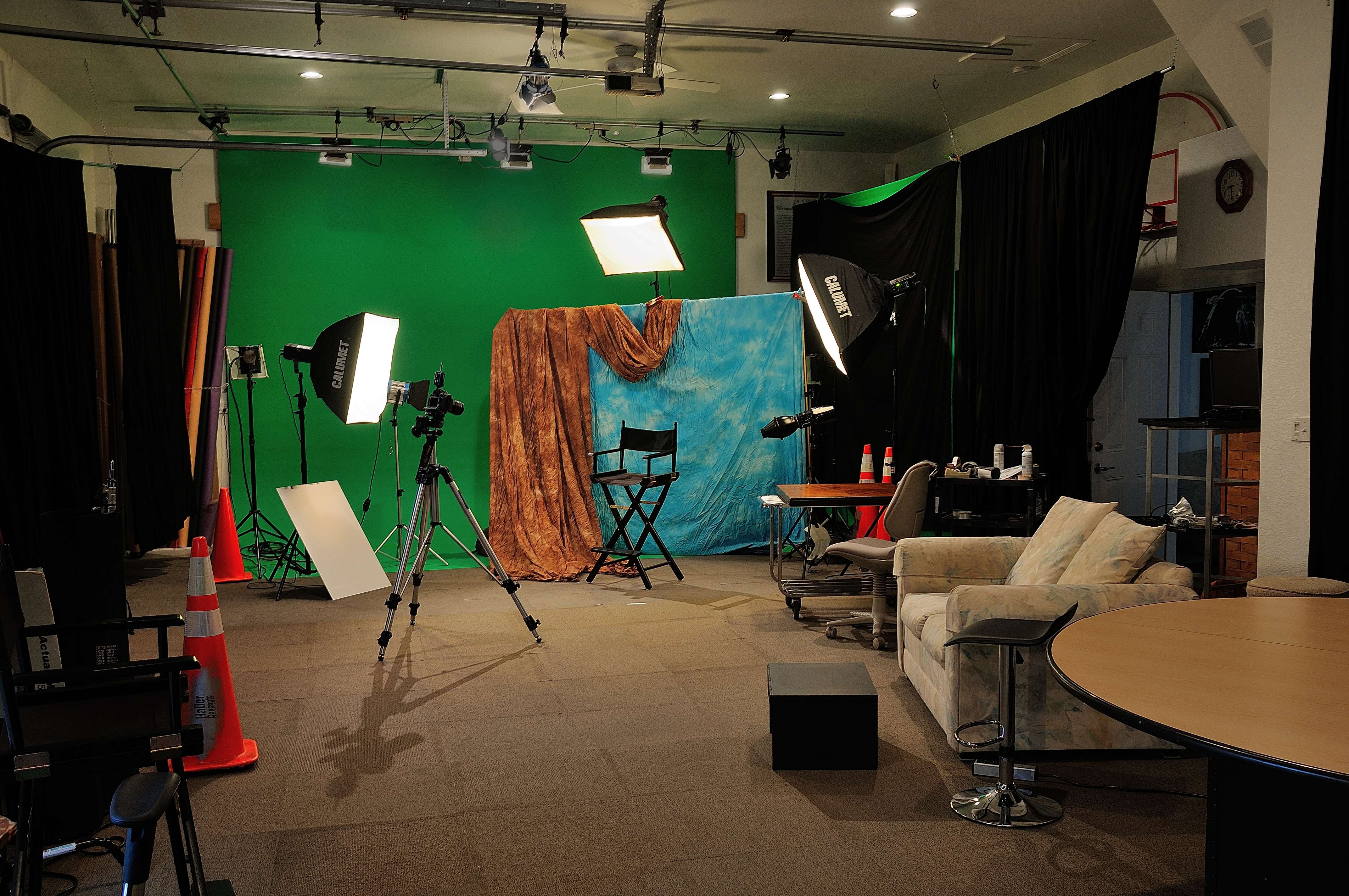
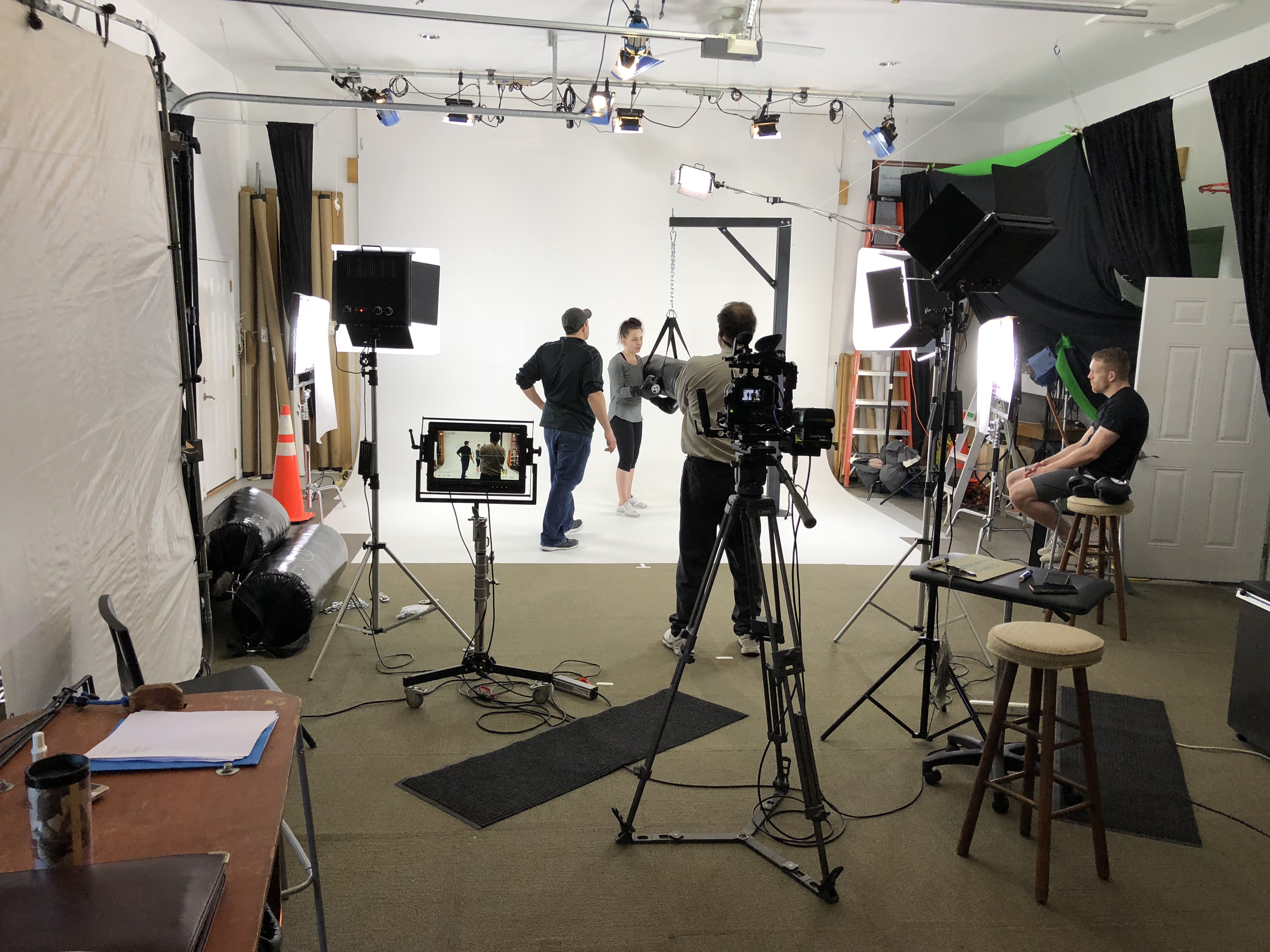
St Louis Photo Studio is a full-service professional commercial photography and video production company with the right equipment and creative crew experience for successful image acquisition. We offer full-service studio and location video and photography, as well as editing, post-production, and licensed drone pilots. St Louis Photo Studio can customize your productions for diverse types of media requirements. Repurposing your photography and video branding to gain more traction is another specialty. We are well-versed in all file types, media styles, and the accompanying software, and we use the latest in Artificial Intelligence across our media services. Our private studio lighting and visual setup is perfect for small productions and interview scenes, and our studio is large enough to incorporate props to round out your set. We support every aspect of your production—from setting up a private, custom interview studio to supplying professional sound and camera operators, as well as providing the right equipment—ensuring your next video production is seamless and successful. We can fly our specialized drones indoors. As a full-service video and photography production corporation, since 1982 St Louis Photo Studio has worked with many businesses, marketing firms, and creative agencies in the St. Louis area for their marketing photography and video.

314-913-5626

Mike Haller
stlouisphotostudio@gmail.com
4501 Mattis Road St Louis, MO 63128
How to Create a Shot List for Your Event: A Step-by-Step Guide for Success

When planning a successful event, whether it’s a corporate gathering, conference, or a product launch, ensuring you capture every important moment is crucial. Having a shot list in place is the best way to organize and prioritize the key moments of your event that need to be photographed or filmed. A well-planned shot list not only ensures that all important aspects of your event are covered, but it also ensures that your photography and video production team works efficiently, delivering stunning, high-quality results.

A good shot list includes both the timing of the event and the shots that should be taken at each stage. Be mindful of overlapping moments to avoid missing key shots.

In this post, we will walk you through how to create an effective shot list, which will help your production team deliver exactly what you need.

1. Define the Purpose and Goals of Your Event Coverage

Before you start creating a shot list, it’s important to clarify the purpose of your event. Are you aiming for corporate branding shots, capturing a keynote speaker, or documenting a networking session? The goal will guide the types of shots you prioritize.

  • Corporate Branding: Focus on high-quality, professional shots of your venue, attendees, and staff, emphasizing your brand’s identity.
  • Networking Sessions: Look for candid moments where attendees are interacting and forming relationships.
  • Keynote Speakers: You’ll want clear, dramatic shots of the speaker with audience engagement.
  • Behind-the-Scenes: Capture your team preparing and setting up for the event.

2. Create Categories Based on Your Event

Divide your event into distinct categories so that you don’t overlook any aspect of it. Here are some common categories you might want to include:

  • Venue and Décor: Wide shots of the venue and close-ups of décor elements that emphasize the atmosphere.
  • Speakers and Presentations: Candid and posed shots of the speakers in action, including close-ups of their expressions and interactions with the audience.
  • Audience Engagement: Capturing audience reactions and participation helps to tell the full story.
  • Networking and Social Interactions: These shots include people chatting, networking, and enjoying your event.
  • Details: Close-ups of event signage, badges, handouts, or product displays.

3. Plan the Timing of Key Shots

Understanding the schedule of the event will help you plan the timing of your shots. For example, during a conference, you will want to capture the opening speech, lunch, breakout sessions, and any awards ceremony. A good shot list includes both the timing of the event and the shots that should be taken at each stage. Be mindful of overlapping moments to avoid missing key shots.

4. Assign Roles to Your Production Team

Ensure you have the right people in the right places at the right times. Assign specific roles to your camera operators and photographers based on the shot list, ensuring each person knows exactly where they need to be and what they need to focus on. This coordination is critical to avoiding missed moments and ensuring smooth coverage.

  • Camera Operators: Capture wide-angle shots, close-ups, and other details as required.
  • Photographers: Focus on candid moments, group shots, and posed photos.
  • Drone Operators: For large events, drones can offer a unique perspective, especially when flying indoors in larger spaces.

5. Organize Shots by Priority

Not all shots are created equal, and it’s essential to prioritize which shots are most important for your event. Assign a priority level to each shot: high, medium, and low. Your high-priority shots should be captured first, ensuring the most critical moments of the event are well-documented. Low-priority shots are backups or opportunities that can be captured during downtime.

6. Adapt the Shot List for Your Venue and Event Style

If your event has a unique venue, such as a large convention center, a rooftop, or an intimate venue, adapt your shot list to account for the location’s specific characteristics. Consider factors such as lighting, angles, and crowd size when determining what shots will be best for your venue.

7. Be Flexible and Ready for the Unexpected

While having a shot list is essential for a smooth production process, always remain flexible to accommodate unexpected moments. These could be spontaneous reactions, last-minute guest arrivals, or unplanned events that might make for memorable photos and video clips.


How St. Louis Photo Studio Can Help

At St. Louis Photo Studio, we understand how important it is to get the perfect shot at your event. As an experienced full-service professional commercial photography and video production company, we have the right equipment and creative crew to ensure the success of your production.

We specialize in studio and location video and photography for all types of events. Whether it’s corporate events, networking sessions, or product launches, we can customize your production to meet your unique needs. Our team is well-versed in all file types and media styles, and we are proficient in using the latest software to ensure your content is optimized for your desired platforms.

Our private studio lighting and visual setups are ideal for small productions and interview scenes. If you need something larger, our studio space is ample enough to incorporate props and provide the perfect backdrop for your production.

From a custom interview studio setup to providing sound and camera operators, we handle every aspect of your video production. We can even fly specialized drones indoors, offering you dynamic aerial shots of your event.

Since 1982, St. Louis Photo Studio has worked with many businesses, marketing firms, and agencies in the St. Louis area. Our team of experts is committed to creating high-quality visuals that help bring your brand’s story to life.

Let us help you create a shot list that ensures you don’t miss a single important moment at your event. With our extensive experience and creative expertise, we’re here to provide everything you need for a successful, seamless production.

314-913-5626

stlouisphotostudio@gmail.com

Shoot contextual drone b-roll footage after you finish recording the testimonial.

Contextual drone b-roll shots can be a powerful tool for enhancing the impact of your testimonial videos.

In today’s digital age, video content has become an essential part of marketing strategies. And with the rise of drone technology, businesses now have access to a whole new world of stunning aerial footage that can add an extra layer of visual interest to their videos. But when it comes to testimonials, many businesses tend to stick to the basics, relying solely on the words of their satisfied customers to sell their products or services. However, by incorporating contextual drone b-roll shots, businesses can take their testimonials to the next level and make them even more compelling.

Contextual drone b-roll shots are those that provide additional context to the story being told in the video. They can be used to illustrate the location, showcase the product or service being discussed, or simply add visual interest to the video. Drone footage is particularly effective in this context because it allows businesses to capture stunning aerial views that would be impossible to achieve with traditional filming techniques.

Here are some tips on how to incorporate contextual drone b-roll shots into your testimonial videos:

1. Plan ahead

Before you start filming your testimonial, take some time to plan out the shots you want to capture with the drone. Consider the story being told in the testimonial and think about how you can visually enhance it with drone footage. For example, if the testimonial is about a restaurant, you might want to capture some aerial shots of the restaurant’s outdoor seating area or the surrounding neighborhood. If the testimonial is about a product, you could capture some footage of the product being used in its natural environment.

2. Use a professional drone operator

While it may be tempting to try to capture drone footage yourself, it’s important to remember that drone operation requires skill and expertise. Not only do you need to be able to fly the drone safely, but you also need to be able to capture high-quality footage that is stable and visually appealing. For this reason, it’s always best to hire a professional drone operator who has the necessary skills and equipment to capture stunning aerial footage.

3. Capture a variety of shots

To keep your testimonial video visually interesting, it’s a good idea to capture a variety of different drone shots. This could include wide-angle shots that show the location or product in context, close-up shots that highlight specific features, and tracking shots that follow the action. By capturing a variety of shots, you can create a dynamic and engaging video that holds the viewer’s attention.

4. Edit the footage carefully

Once you’ve captured your drone footage, it’s important to edit it carefully to ensure that it fits seamlessly into your testimonial video. This means paying attention to things like color balance, contrast, and transitions between shots. You may also want to consider adding music or sound effects to enhance the overall impact of the video.

5. Keep it relevant

While drone footage can add a lot to your testimonial video, it’s important to remember that it should always be relevant to the story being told. Don’t include drone shots just for the sake of having them – make sure that each shot adds something meaningful to the overall narrative of the video.

6. Use it sparingly

While drone footage can be visually stunning, it’s important to use it sparingly to avoid overwhelming the viewer. Too much drone footage can be distracting and take away from the main message of the testimonial. Instead, use drone shots strategically to enhance the story being told and keep the viewer engaged.

7. Consider the legal implications

Finally, it’s important to remember that there are legal implications to using drone footage in your marketing materials. In the United States, drone operation is regulated by the Federal Aviation Administration (FAA), and there are strict rules that must be followed to ensure safety and compliance. Make sure that your drone operator is licensed and insured, and that you have all the necessary permissions and clearances before using the footage in your marketing materials.

In conclusion, contextual drone b-roll shots can be a powerful tool for enhancing the impact of your testimonial videos. By carefully planning and capturing drone footage that adds meaning and context to the story being told, businesses can create dynamic and engaging videos that capture the attention of their target audience. However, it’s important to use drone footage sparingly and strategically, and to ensure that all legal requirements are met before using it in your marketing materials. With the right approach, contextual drone b-roll shots can take your testimonials to the next level and help you stand out in a crowded digital marketplace.

stlouisphotostudio@gmail.com